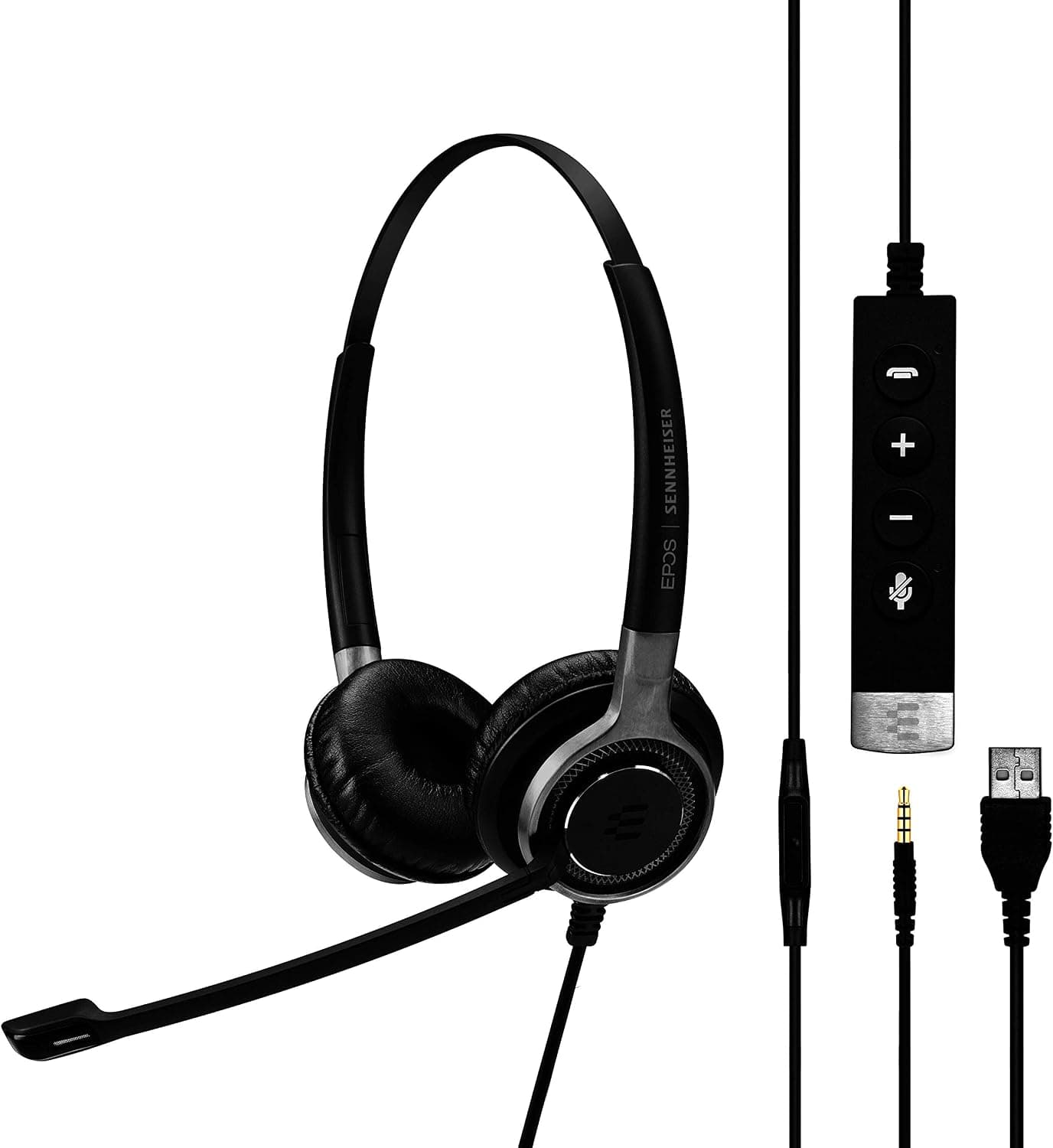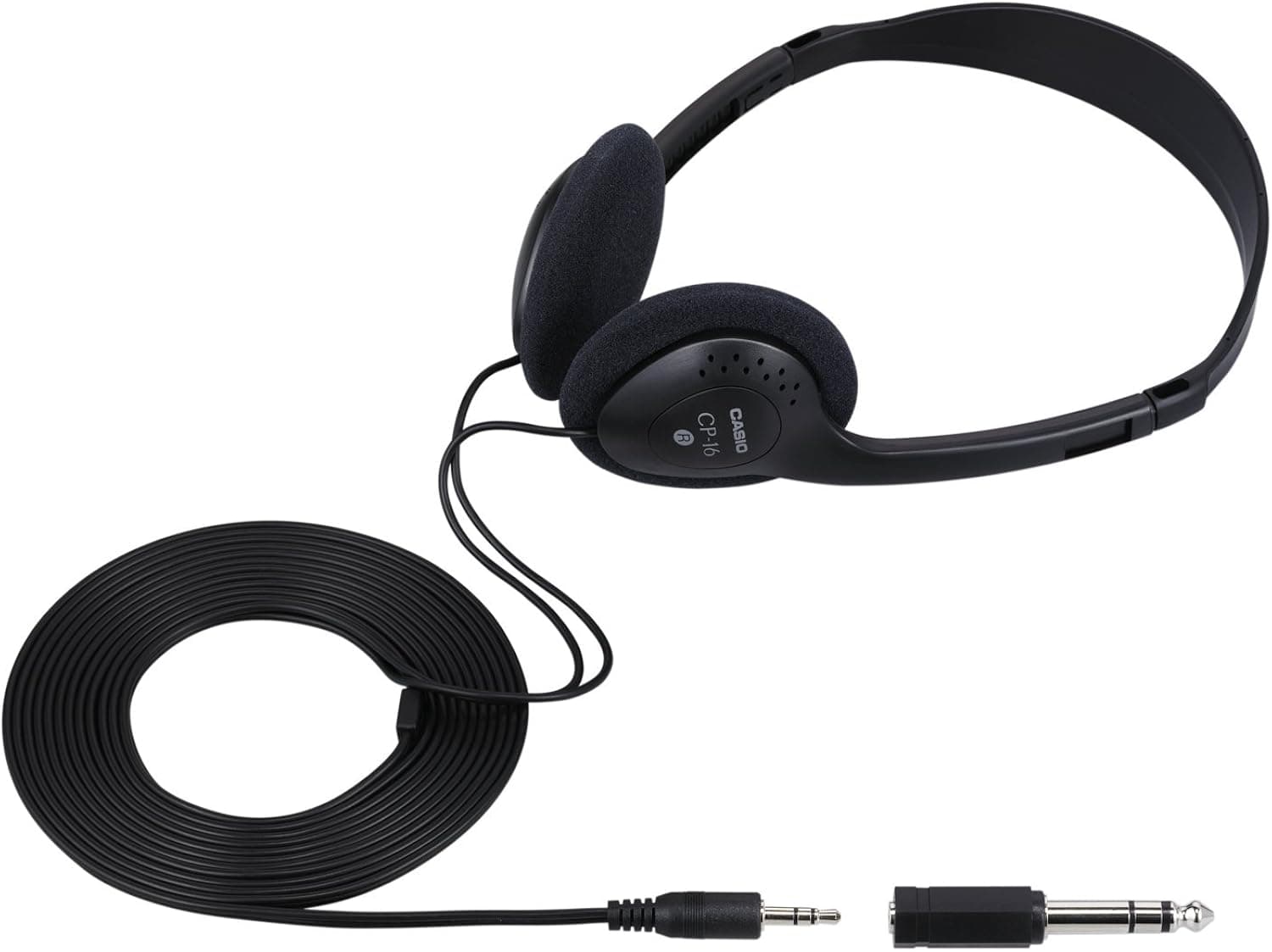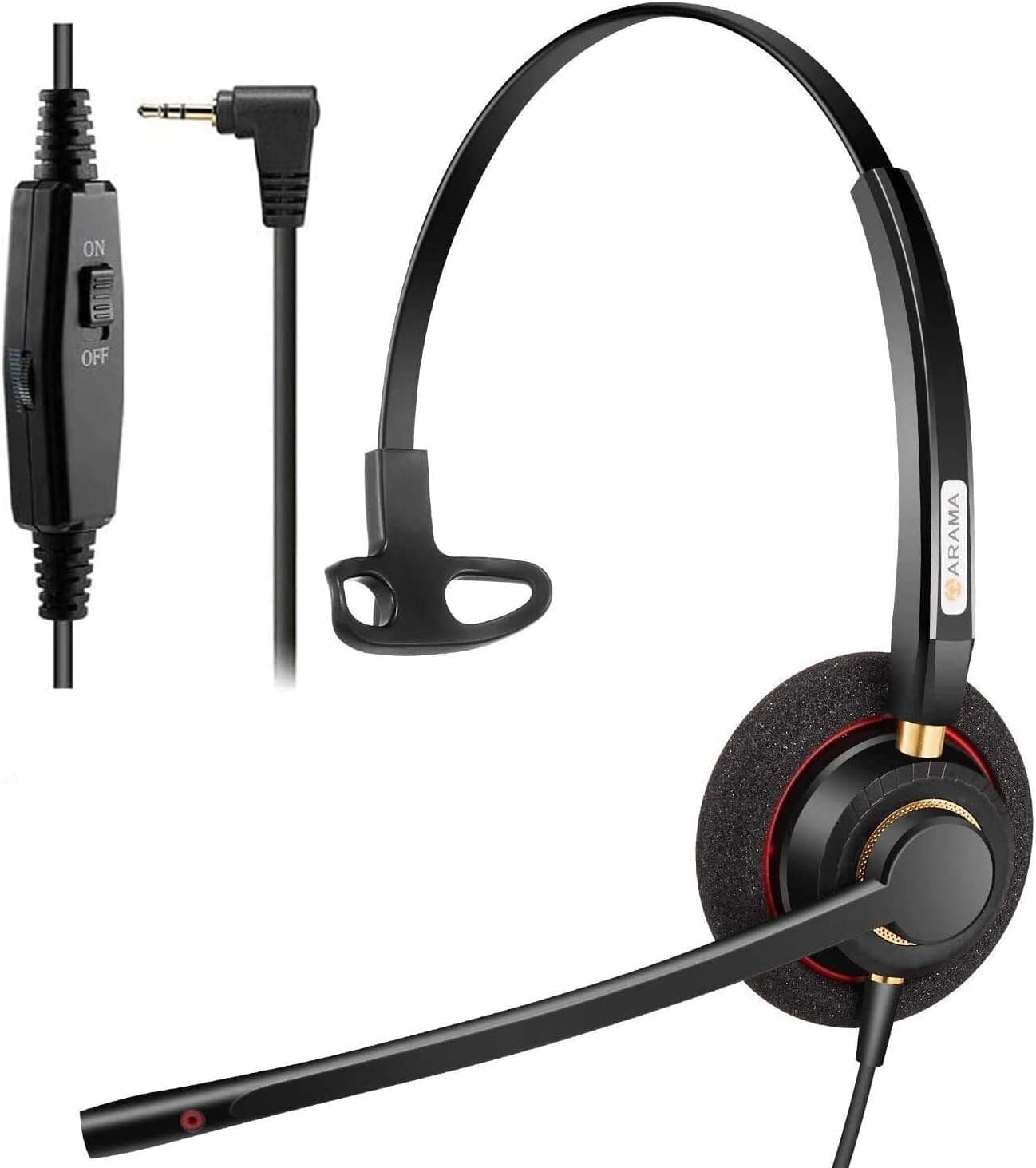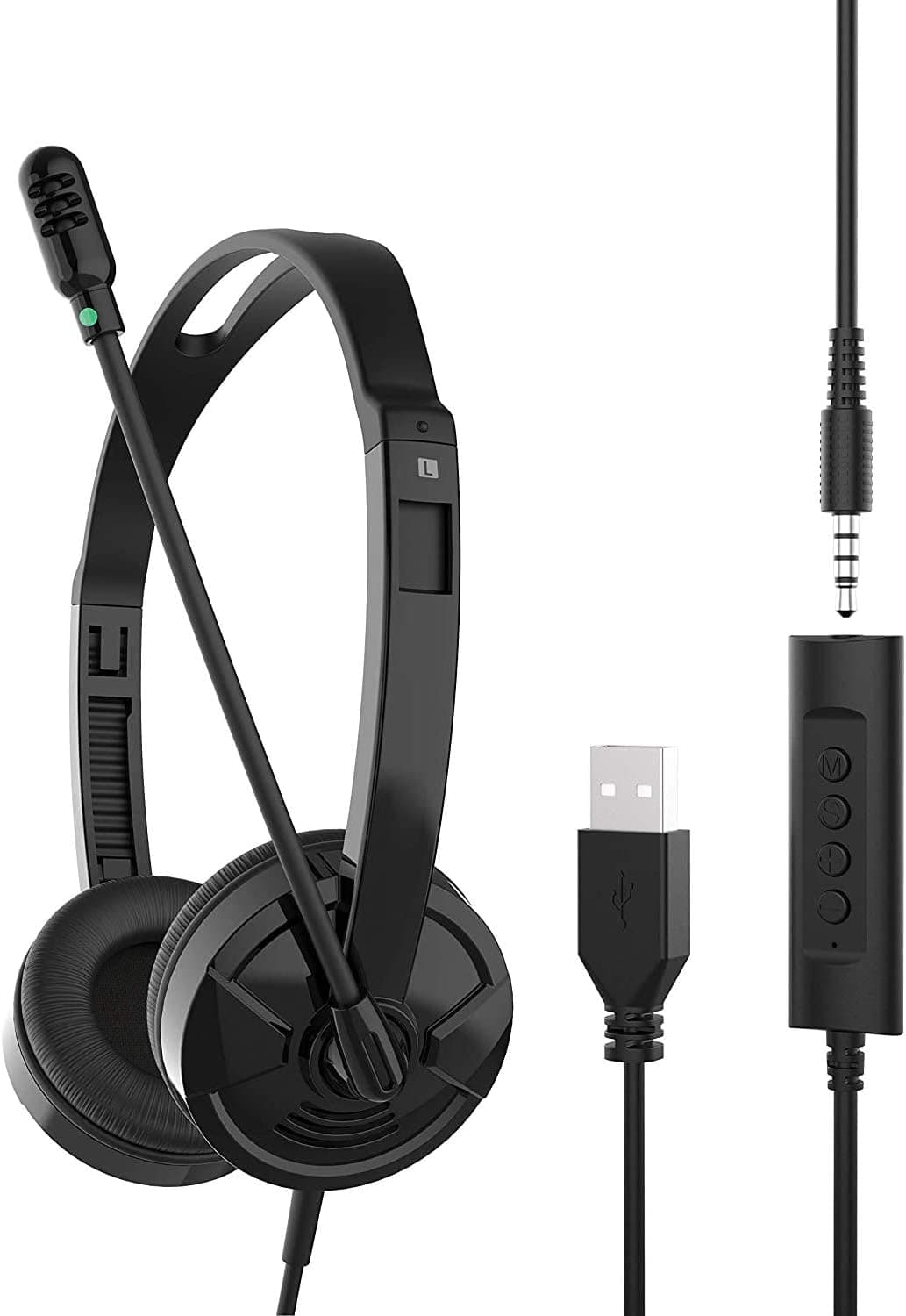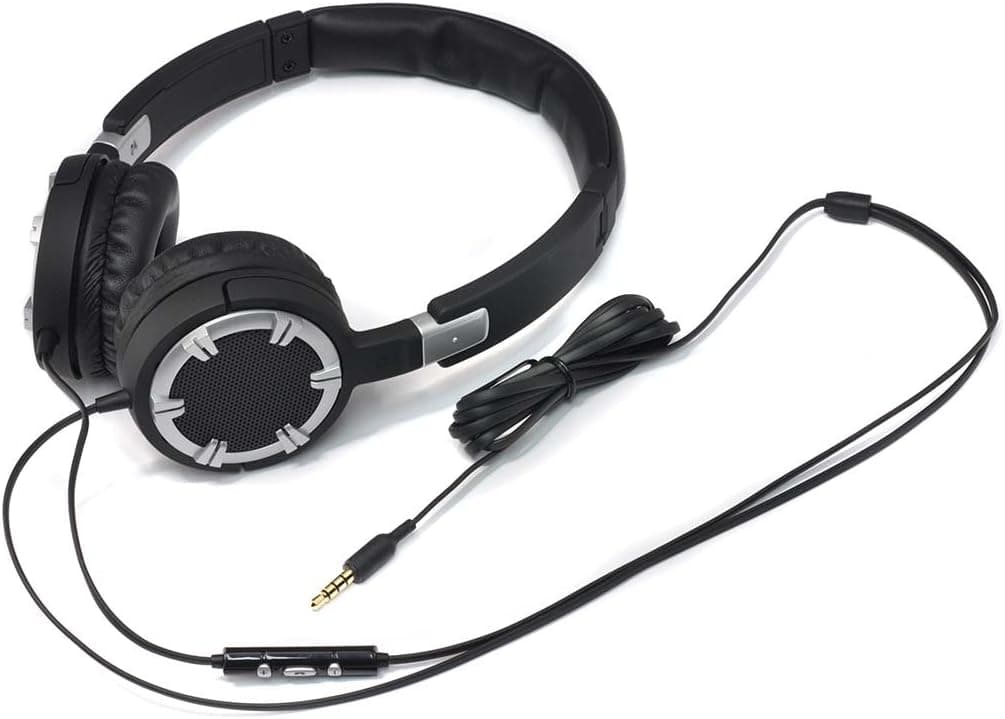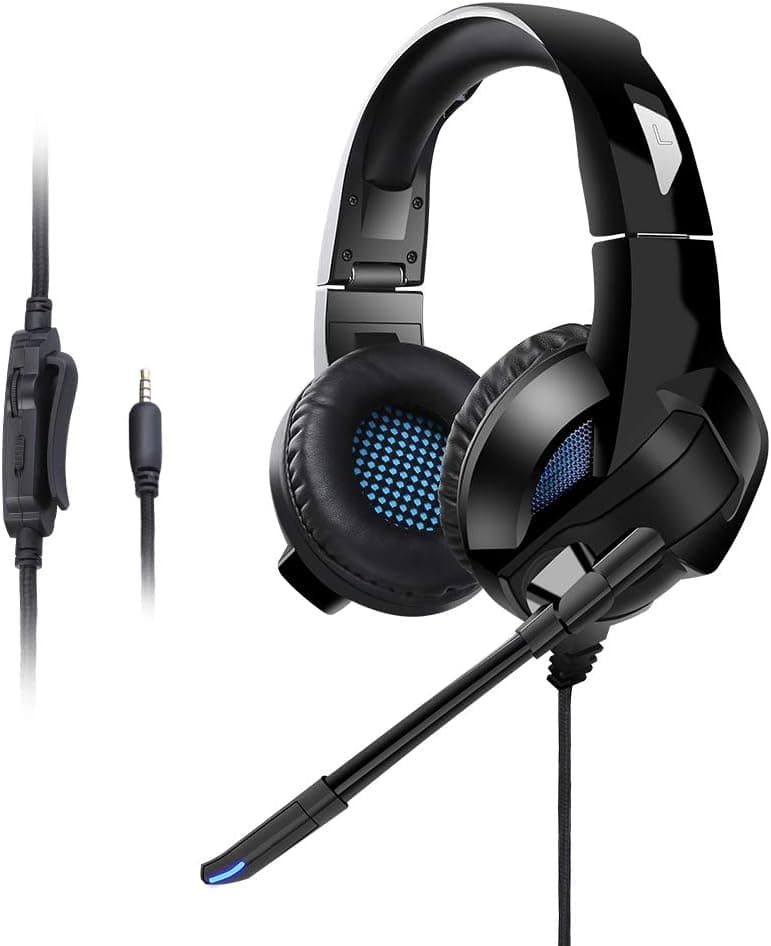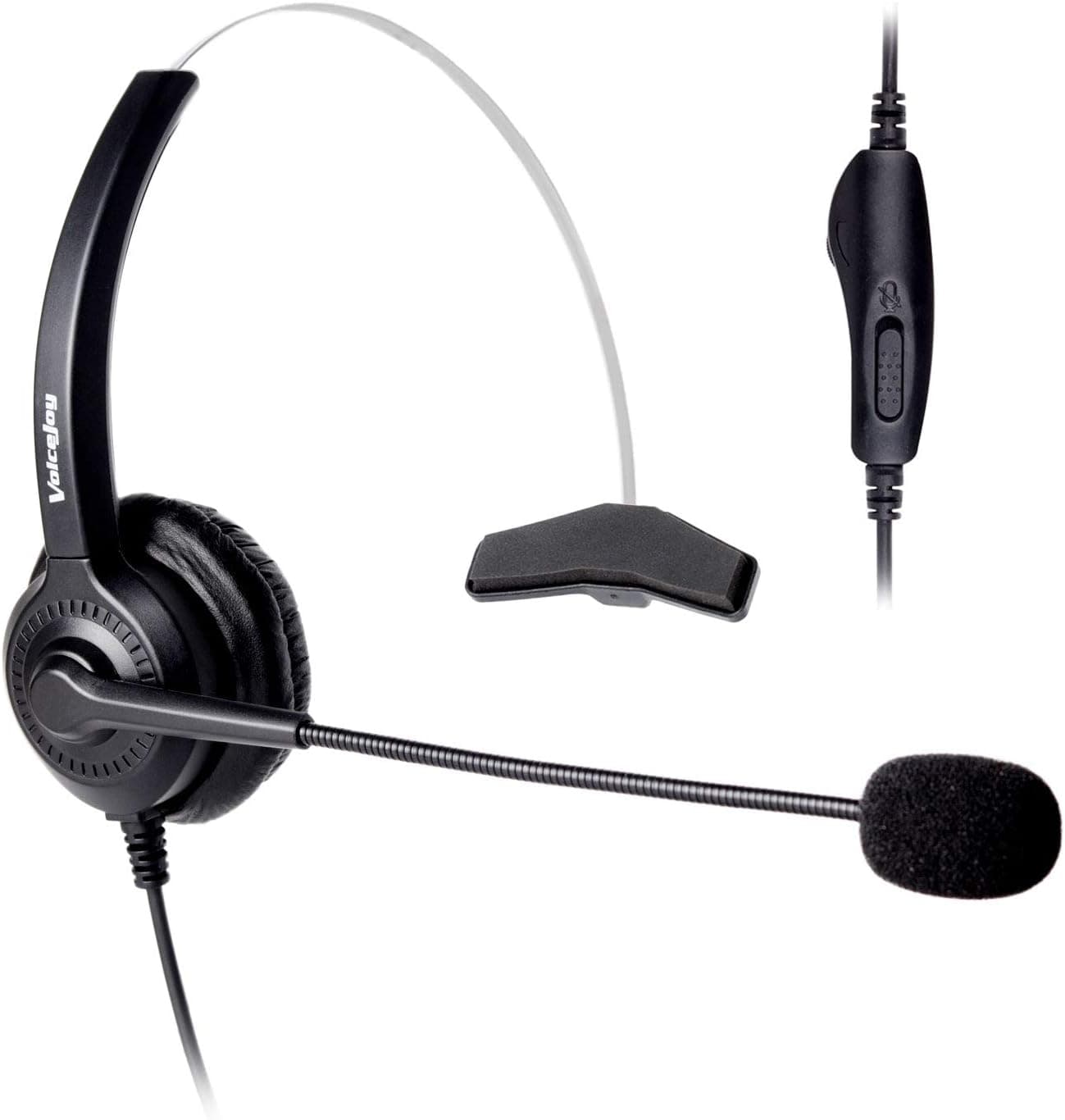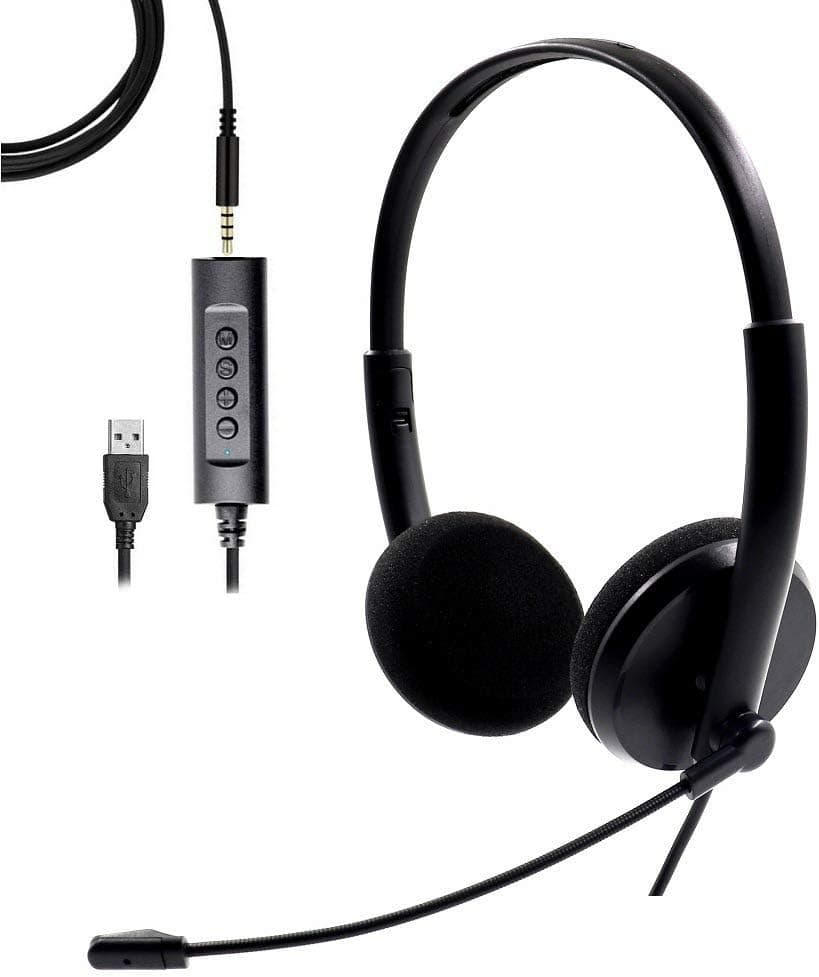
USB Headset with Noise Cancelling Microphone Laptop Headset Computer Headphone with Mic Super Lightweight Headset for Speech, Online Courses, Skype Chat, Call Center, Conference Calls, Webinar
USB Headset Steps For Usage: 1.Put in the USB port of the headset,Connect to the USB interface of the computer. 2.Playback and recording equipment select all USB PnP sound devices as the default device. 3.Adjust the size of the headdress,Wearing headphones , Put down the microphone,Adjust to the proper position. 4.Use the volume plus and minus keys adjust to You can use it at the right volume. 5.Using The Control Buttons Microphone mute button(M): Press the microphone once to keep it muted.The red light is always on; Press the microphone again to unmute.The red light is always off. Speaker mute button(S): Press the speaker once to mute,Computer synchronized display , The green light is always on; Caution:
- ASIN
- B08FFKWH28
- Embedding
- CLIP ViT-L/14 · 768d
- Distance metric
- cosine
- Doc fetch
- 2mscache hitGET /v2/namespaces/amazon-products/documents/B08FFKWH28
- Similar query
- 26msnearest_to_id → /query
Doc fetch goes through Layer's Aerospike pull-through cache; cache hit served the row without touching turbopuffer. The similar query asks Layer for nearest neighbors of the stored product vector — queries don't go through the doc cache, so no cache header is set.
You might also like