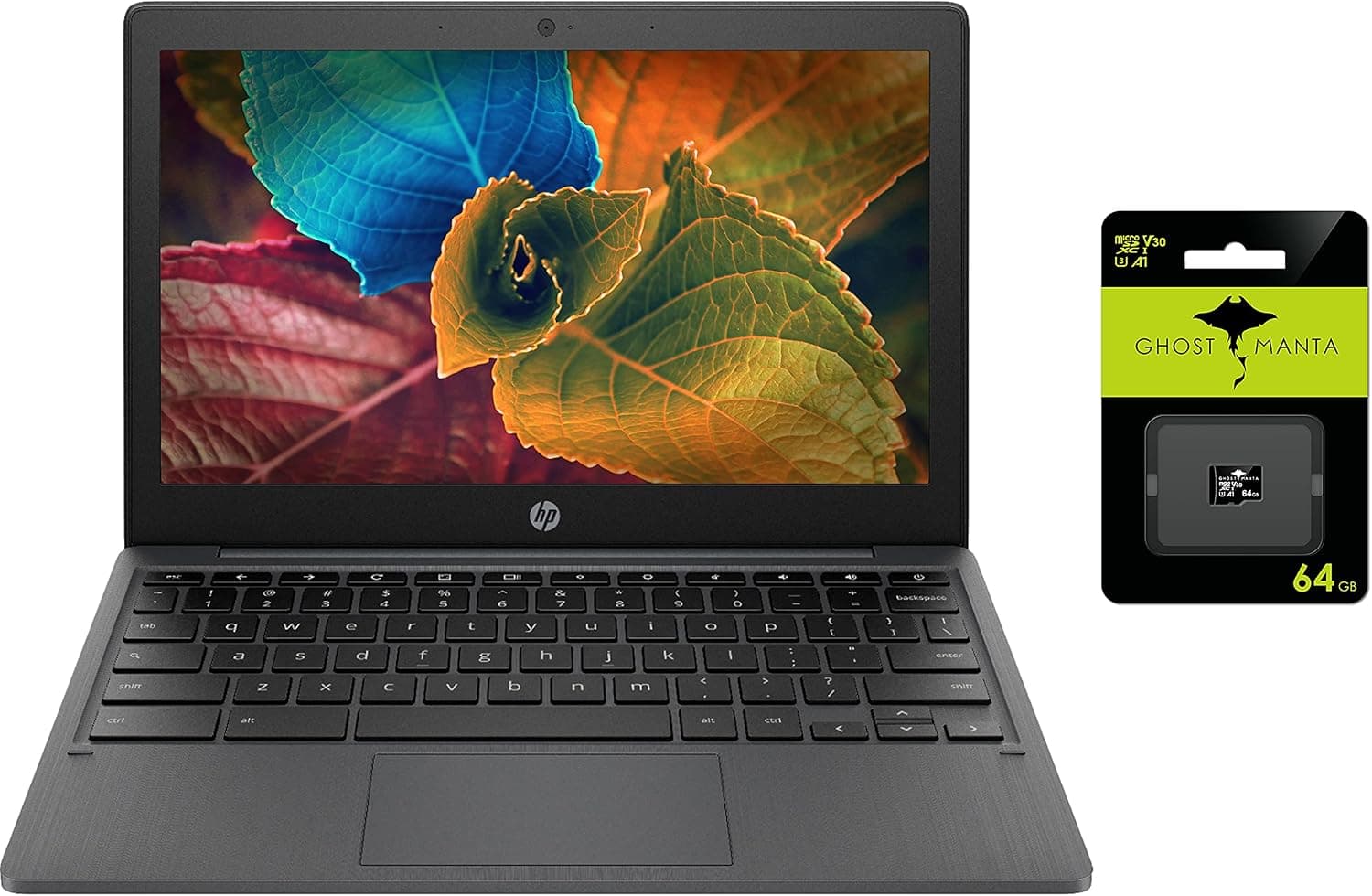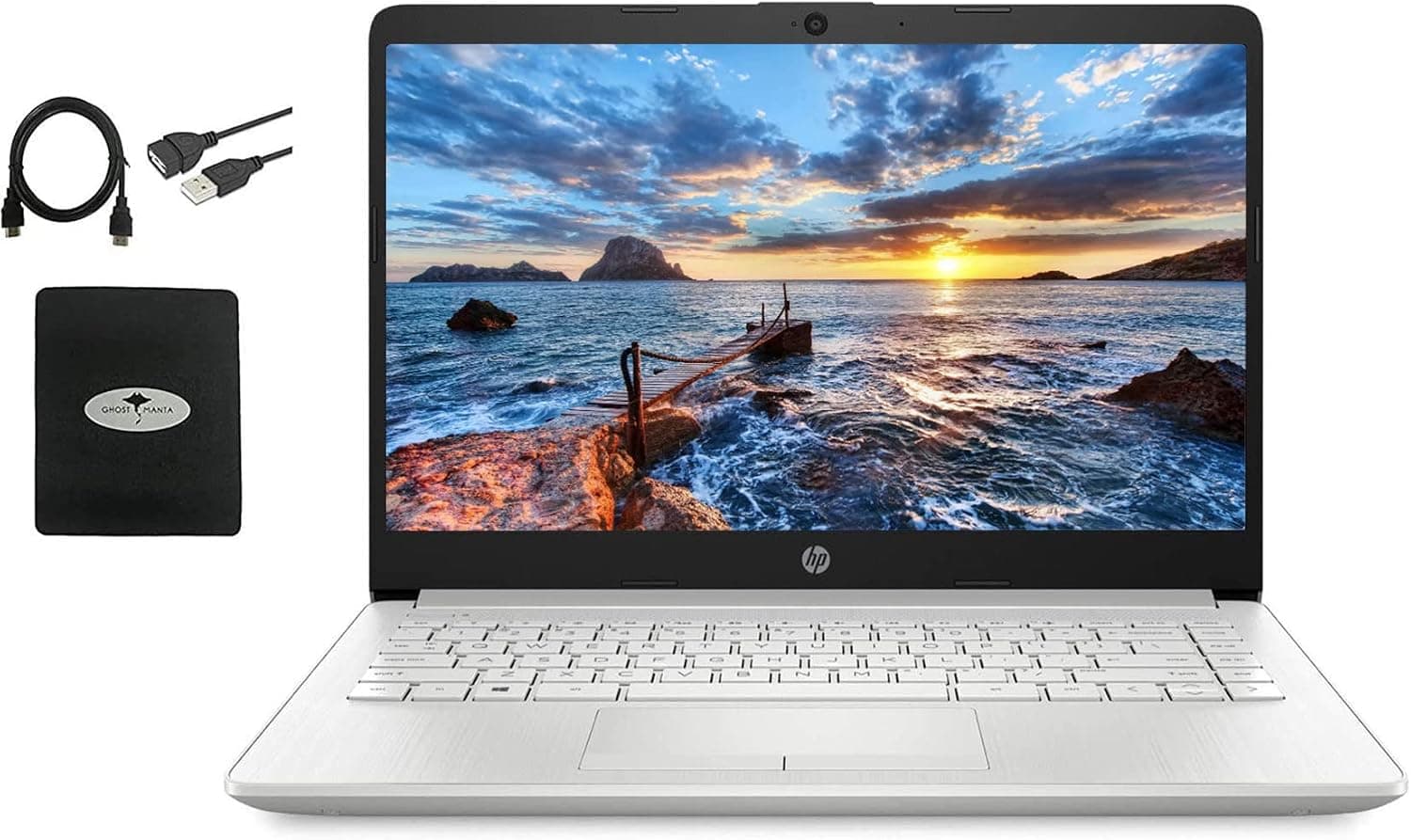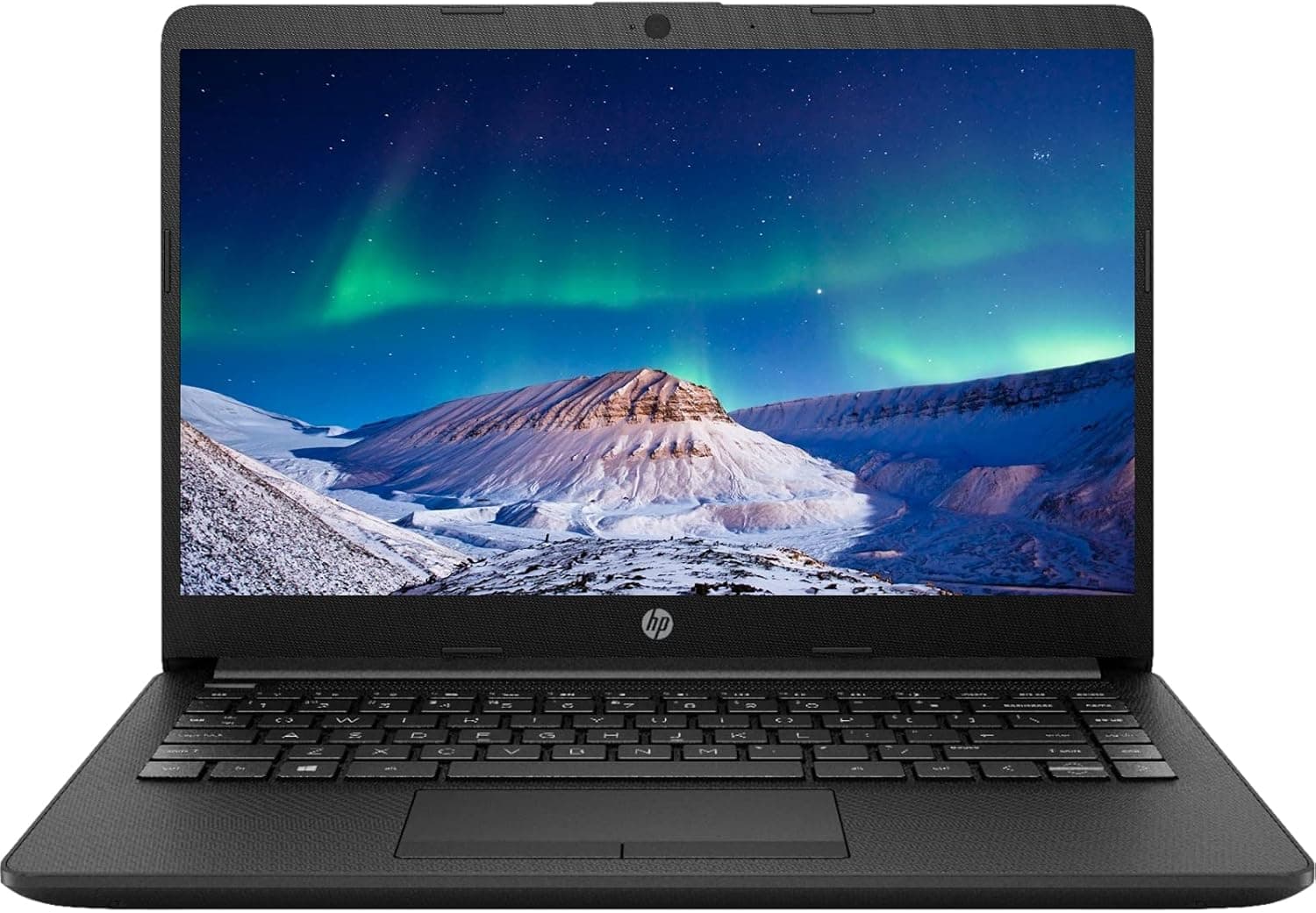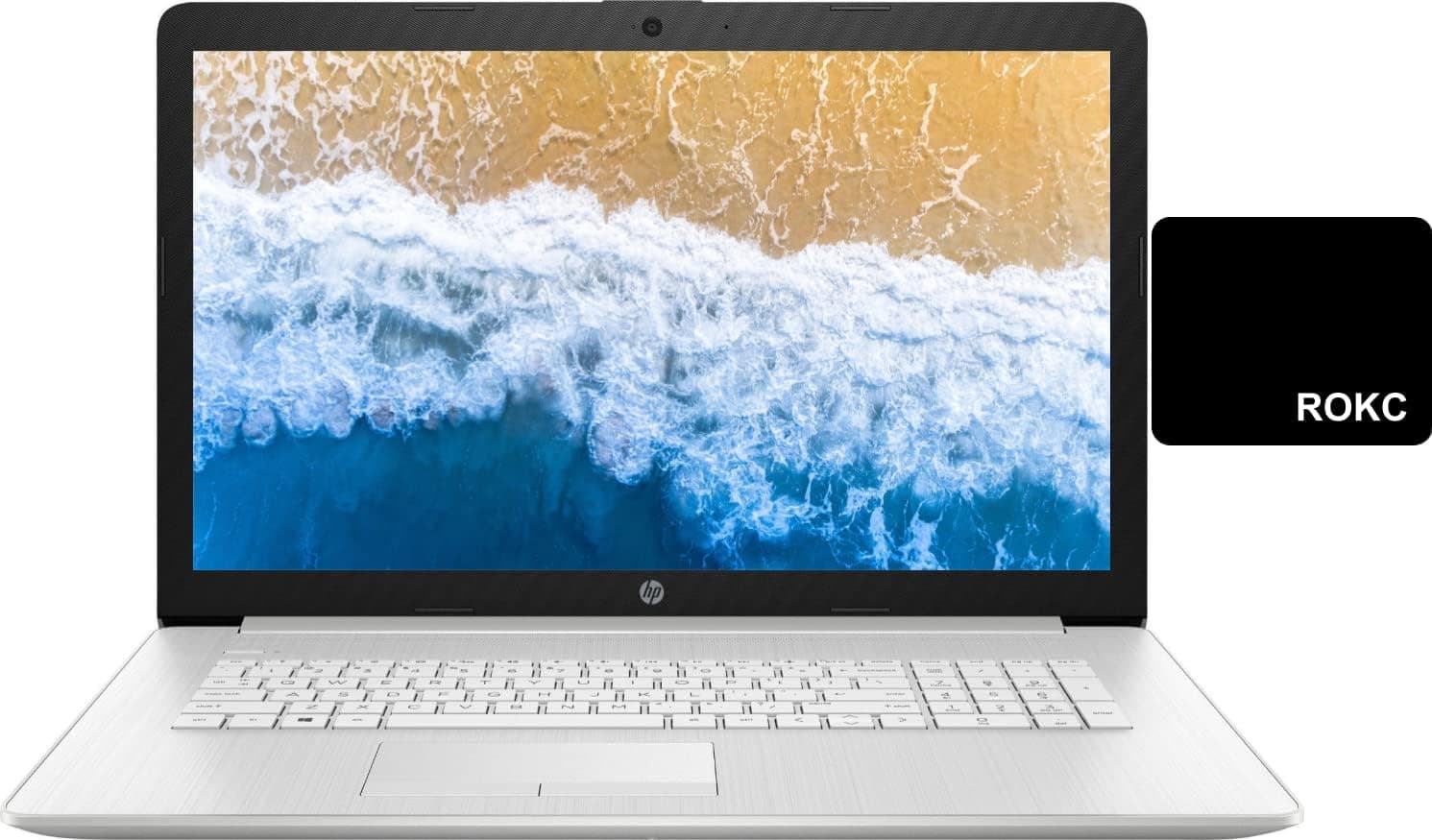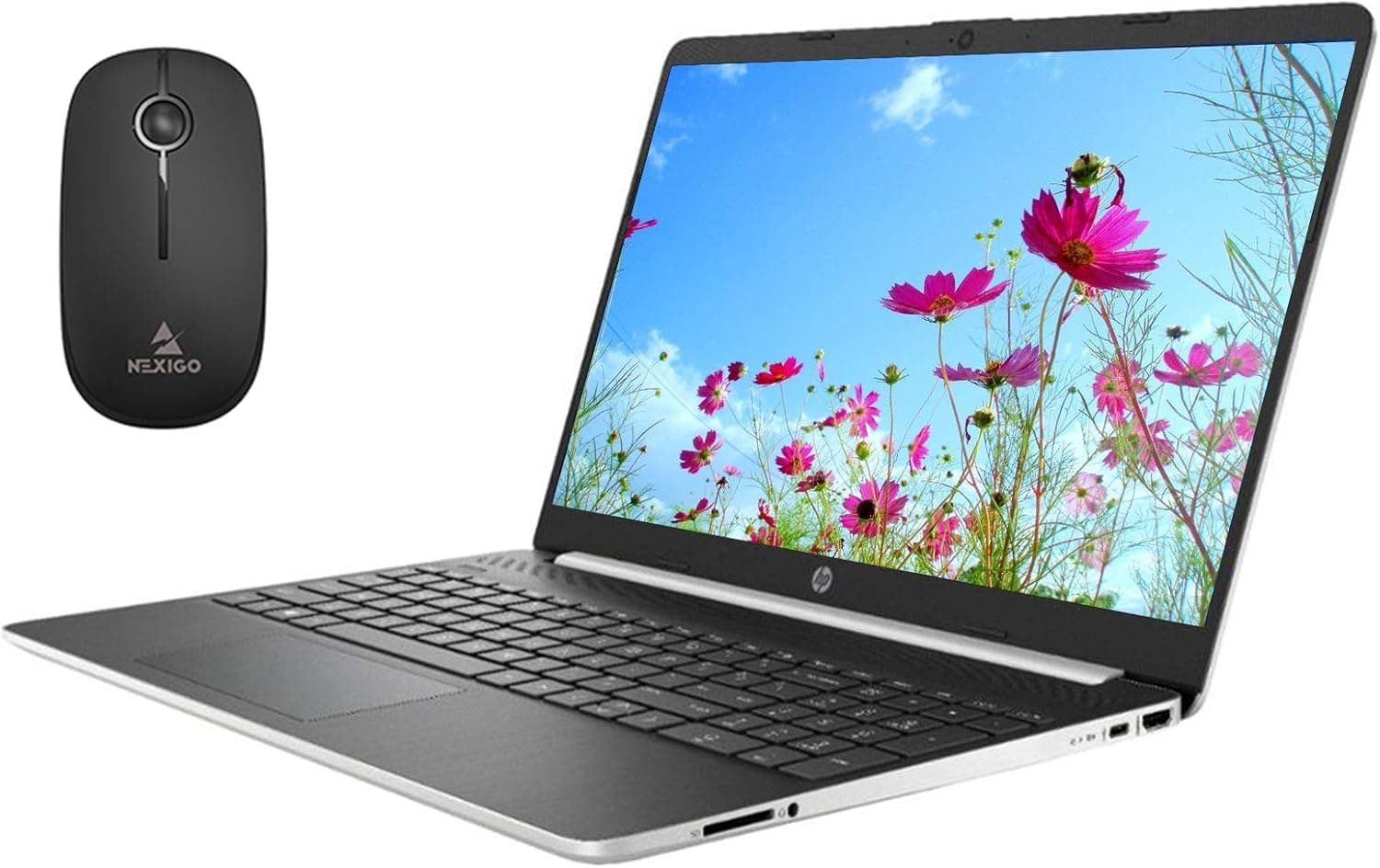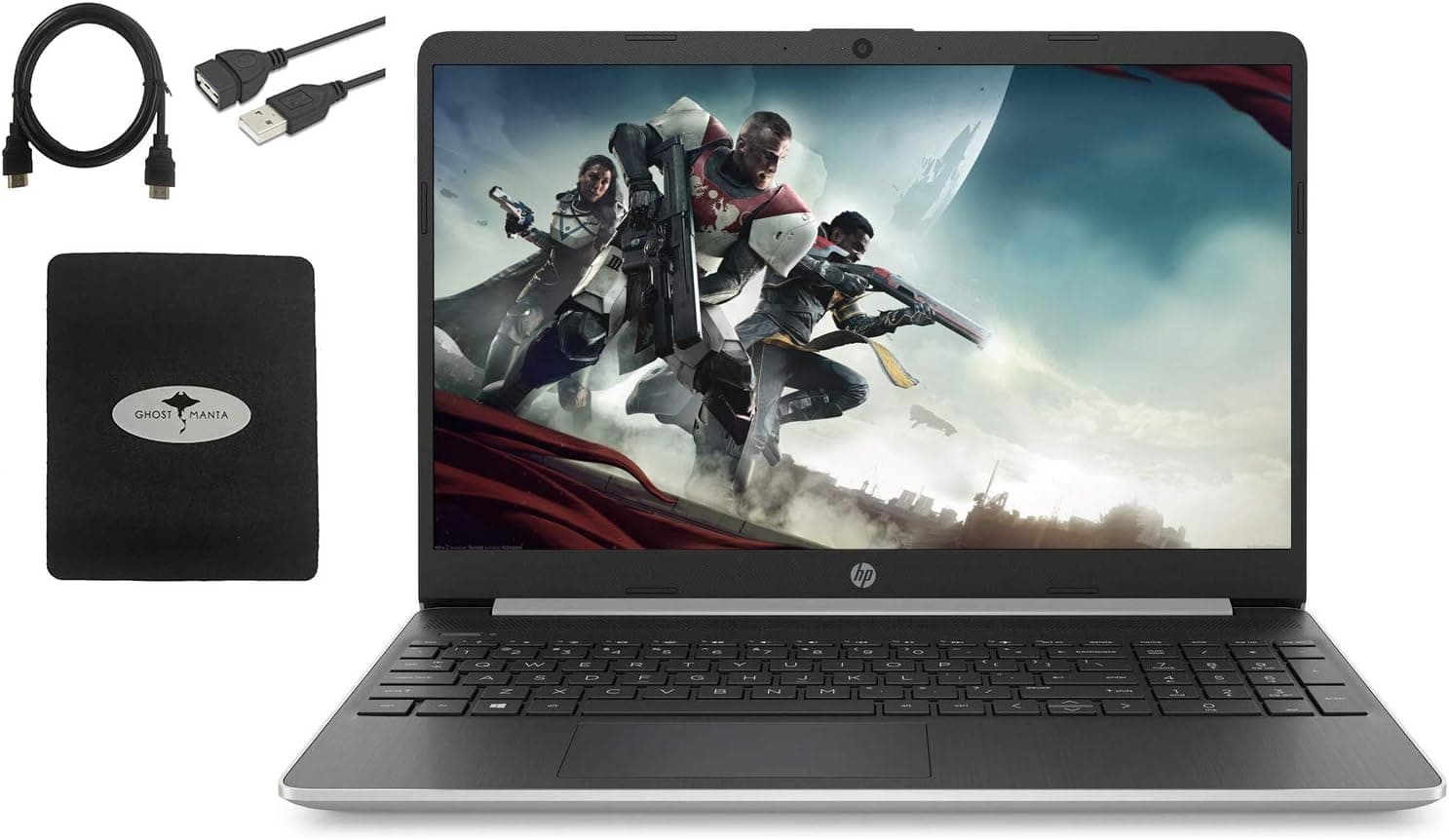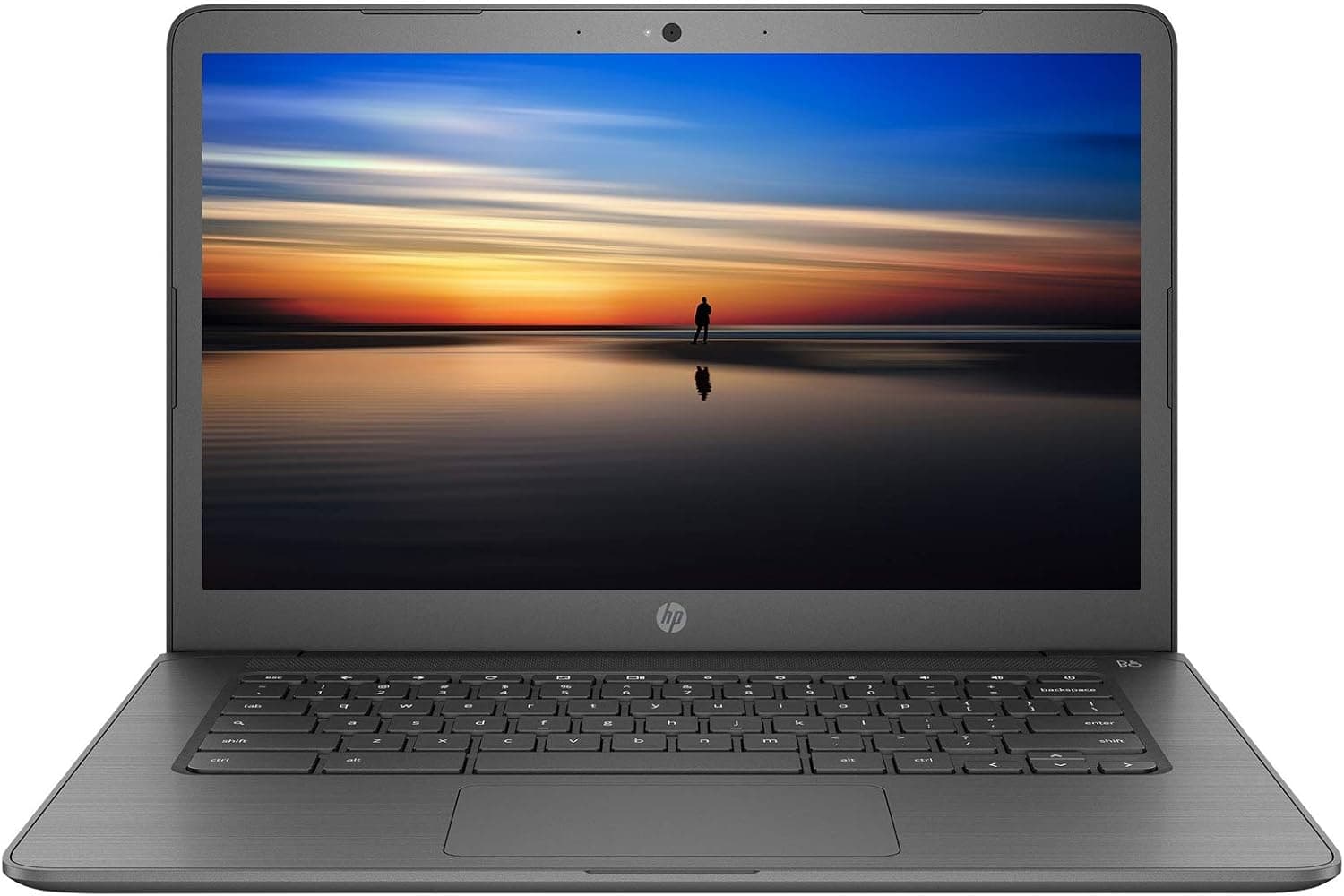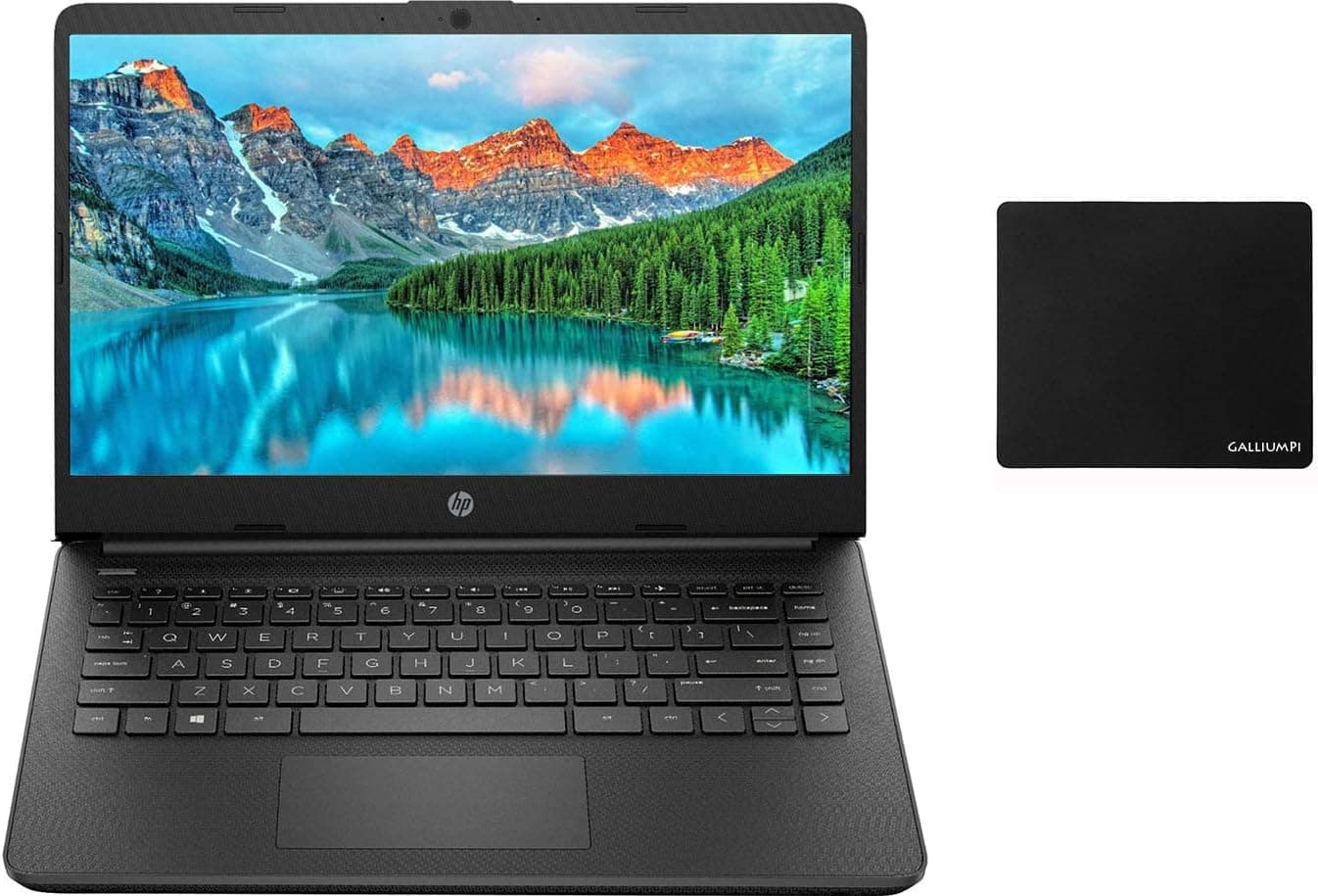
HP Newest 14" HD Business and Student Laptop, AMD Dual-Core Athlon Silver 3050U up to 3.2GHz, 8GB DDR4 RAM, 256GB SSD, WiFi, Webcam, HDMI, Bluetooth, Windows 10 with GalliumPi Accessories
How to switch s mode to windows 10 On your PC running Windows 10 in S mode, open Settings > Update & Security > Activation.In the Switch to Windows 10 Home or Switch to Windows 10 Prosection, select Go to the Store. (If you also see an "Upgrade your edition of Windows" section, be careful not to click the "Go to the Store" link that appears there.)On the Switch out of S mode (or similar) page that appears in the Microsoft Store, select the Get button. After you see a confirmation message on the page, you'll be able to install apps from outside of the Microsoft Store. We sell computers with upgraded configurations. If the computer has modifications (listed above), then the manufacturer box is opened for it to be tested and inspected and to install the upgrades to achieve the specifications as advertised. If no modifications are listed, the item is unopened and untested. Defects & blemishes are significantly reduced by our in-depth inspection & testing.
- ASIN
- B08K8KNYJ2
- Embedding
- CLIP ViT-L/14 · 768d
- Distance metric
- cosine
- Doc fetch
- 2mscache hitGET /v2/namespaces/amazon-products/documents/B08K8KNYJ2
- Similar query
- 40msnearest_to_id → /query
Doc fetch goes through Layer's Aerospike pull-through cache; cache hit served the row without touching turbopuffer. The similar query asks Layer for nearest neighbors of the stored product vector — queries don't go through the doc cache, so no cache header is set.
You might also like