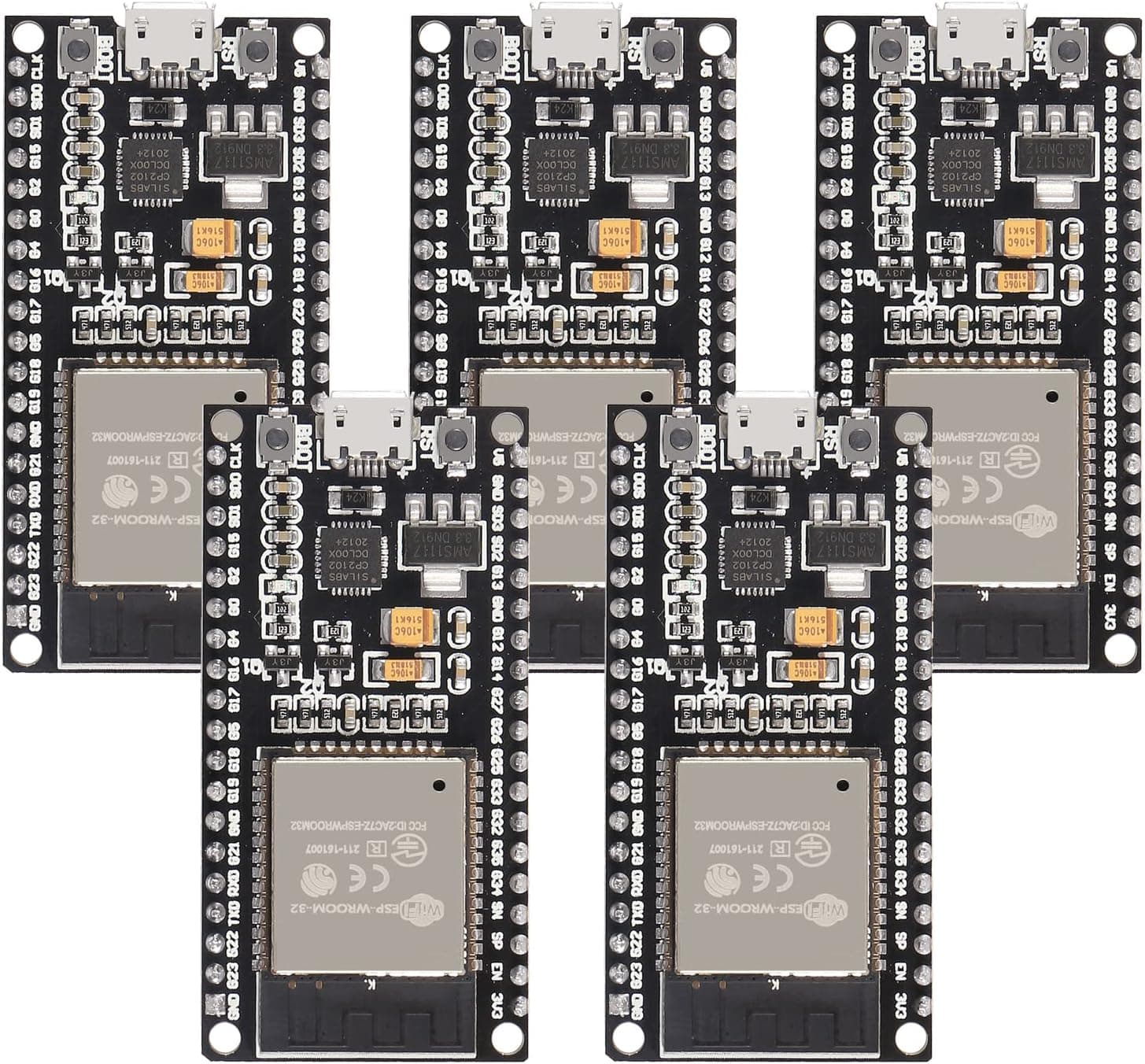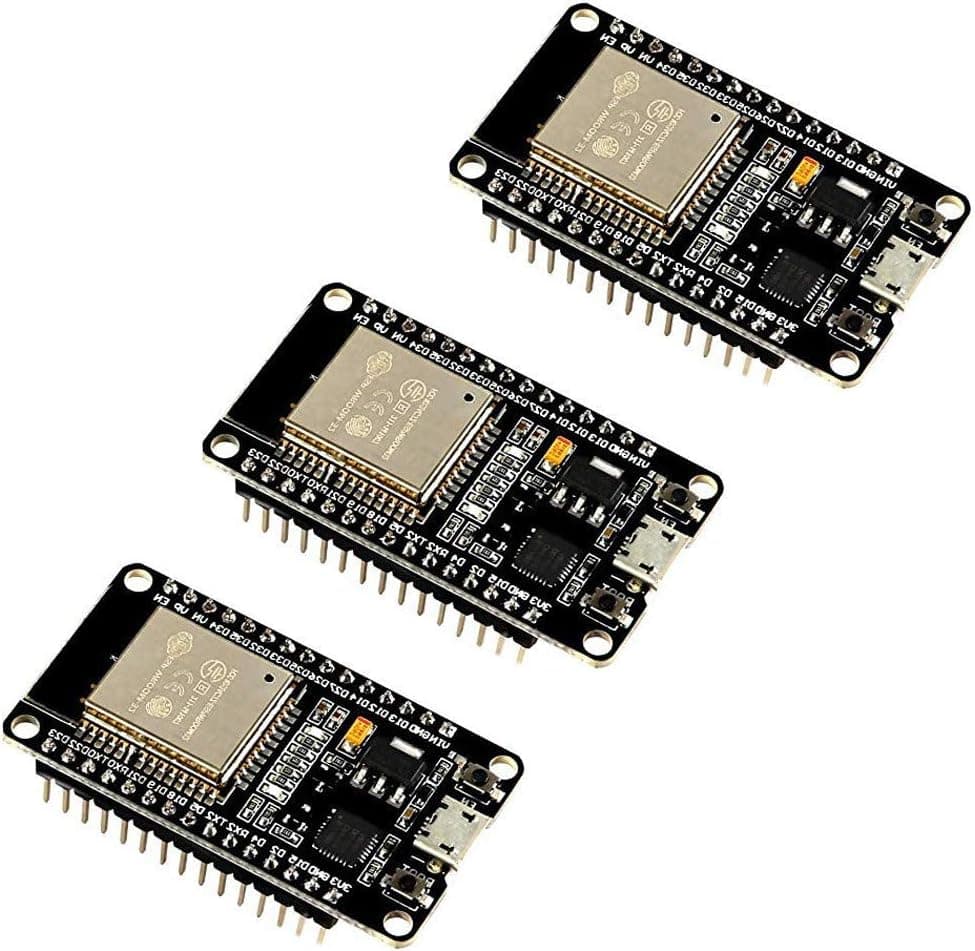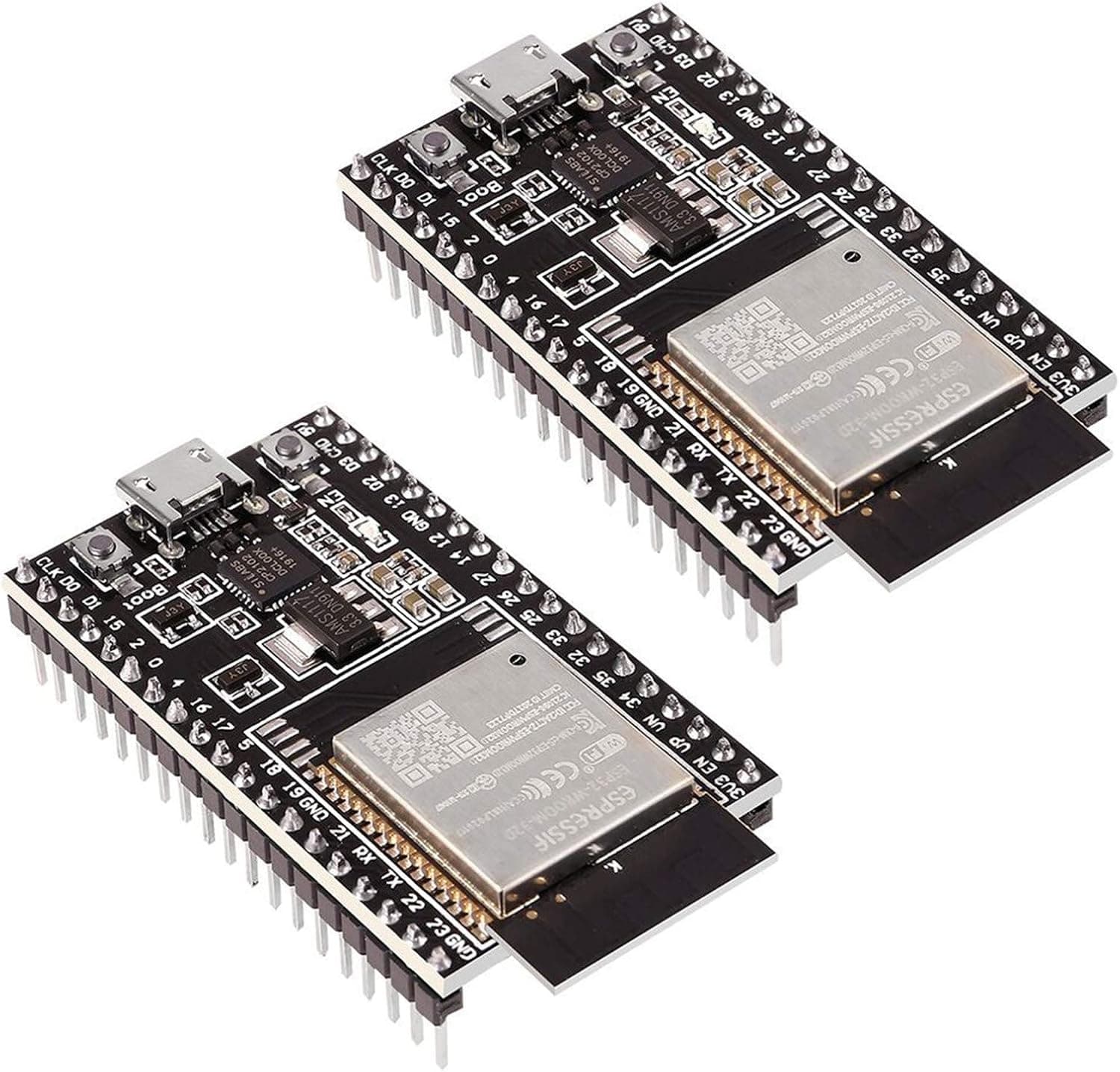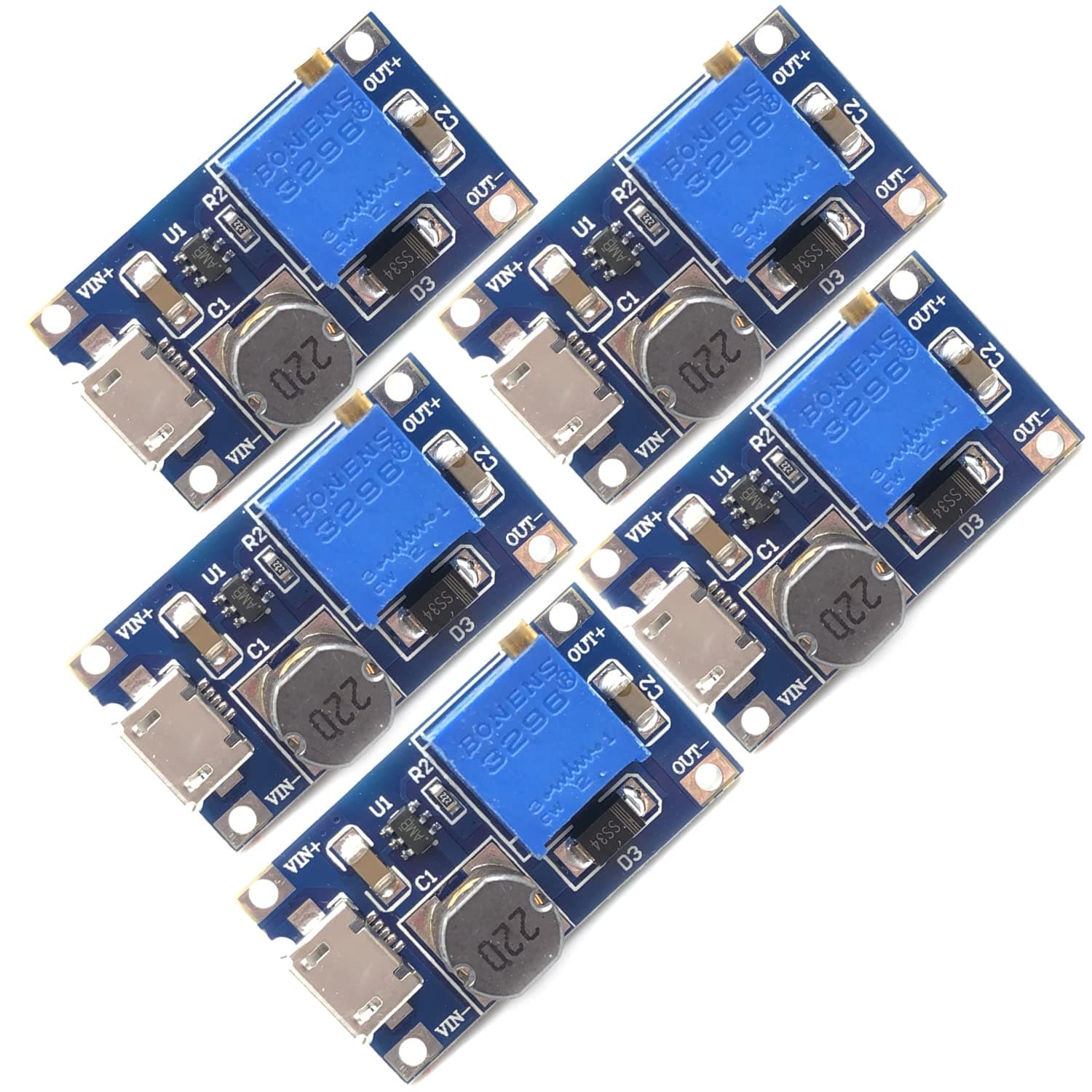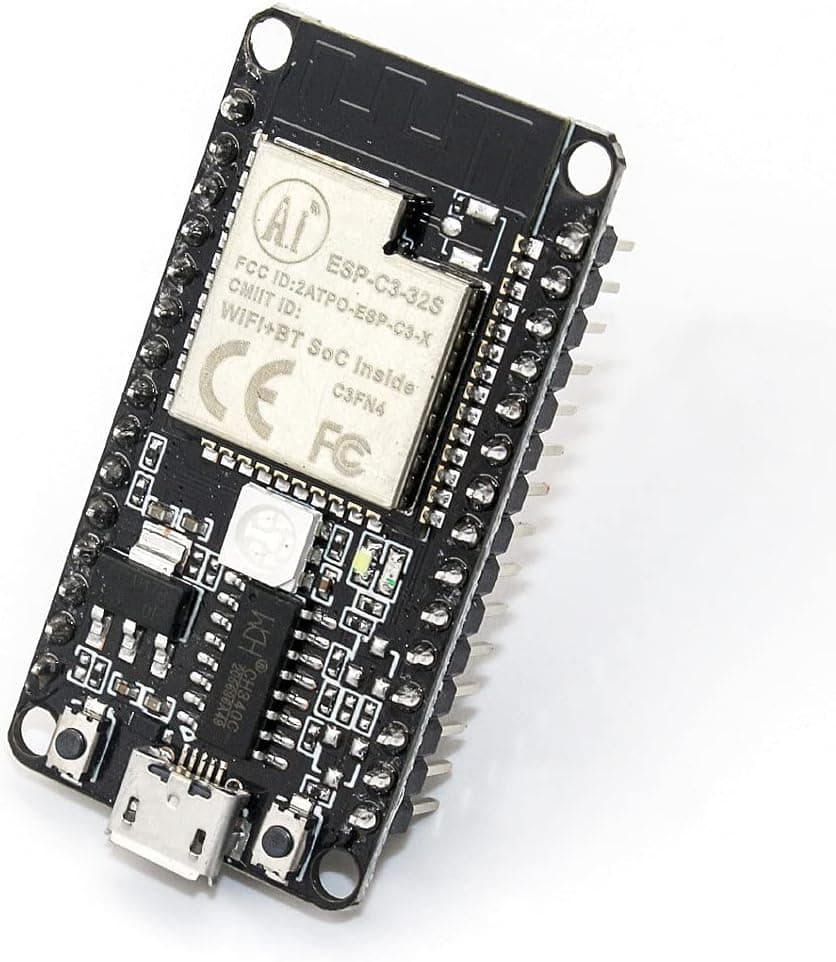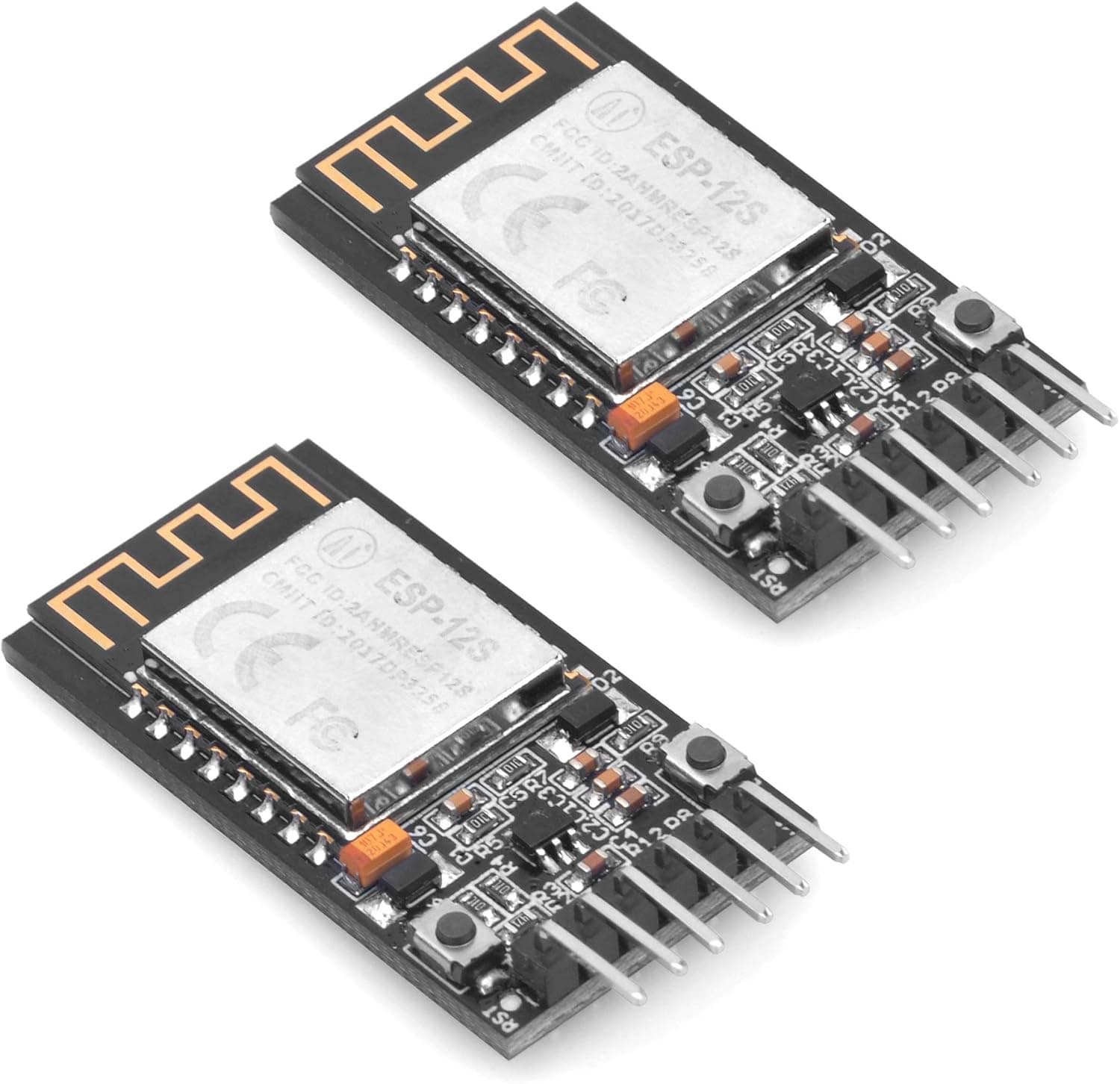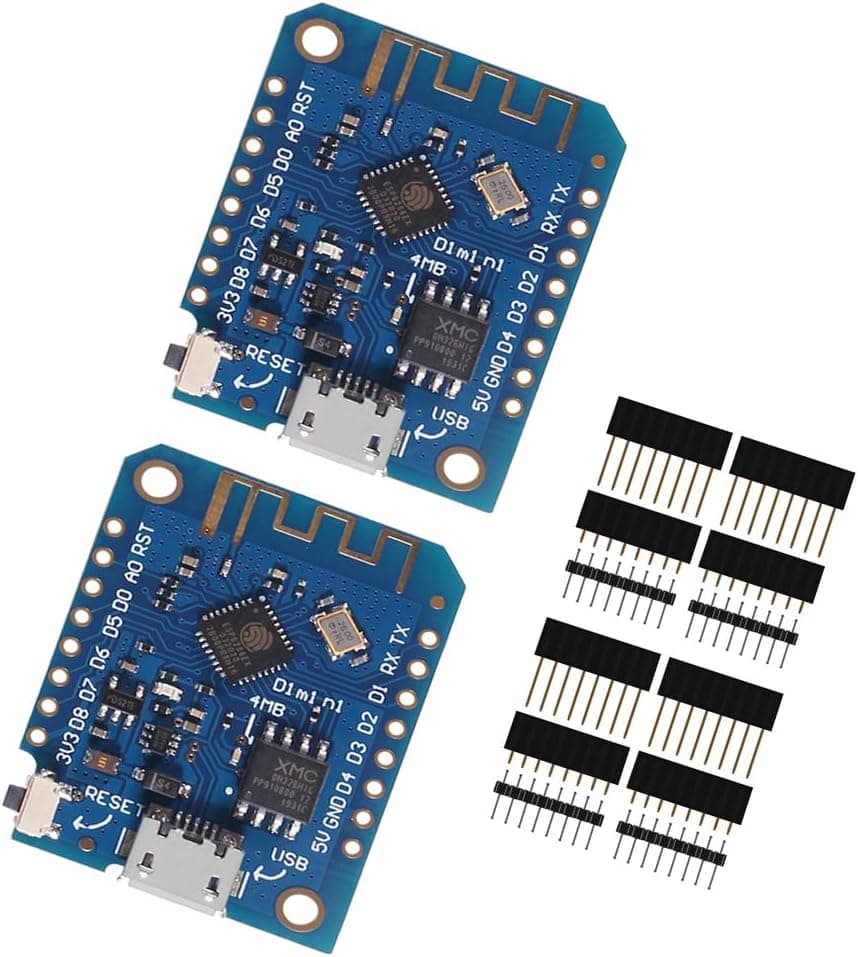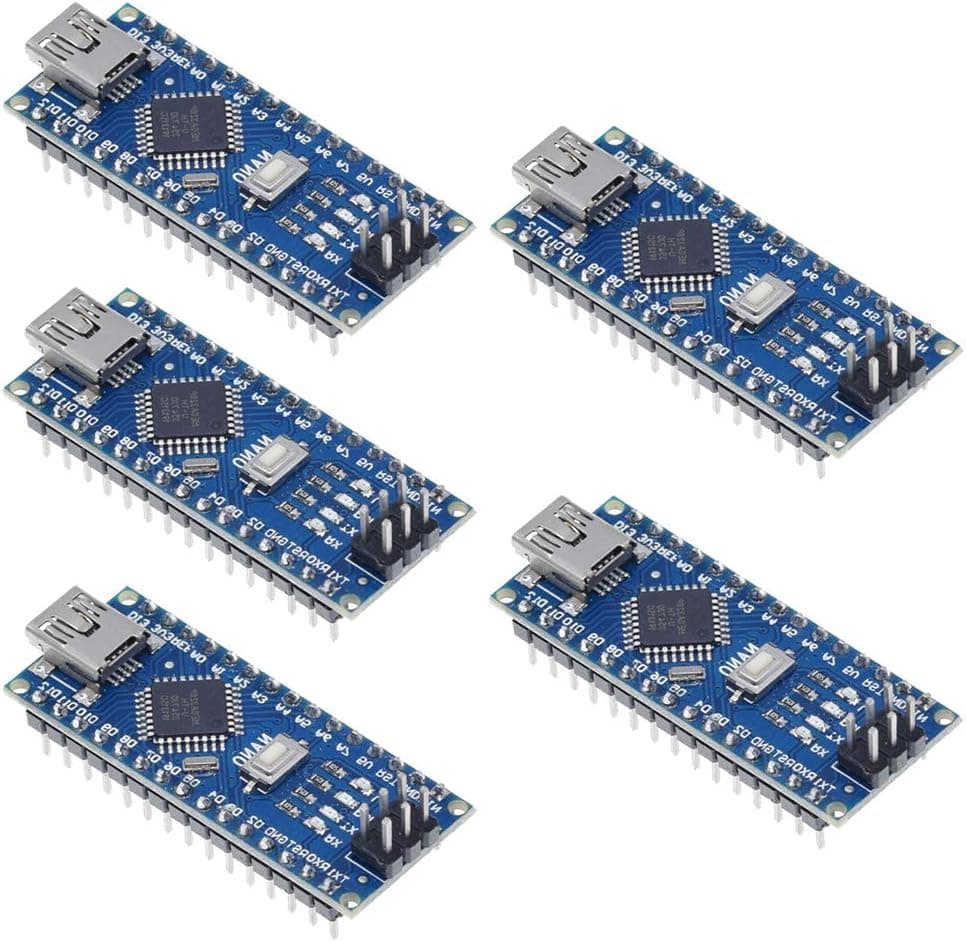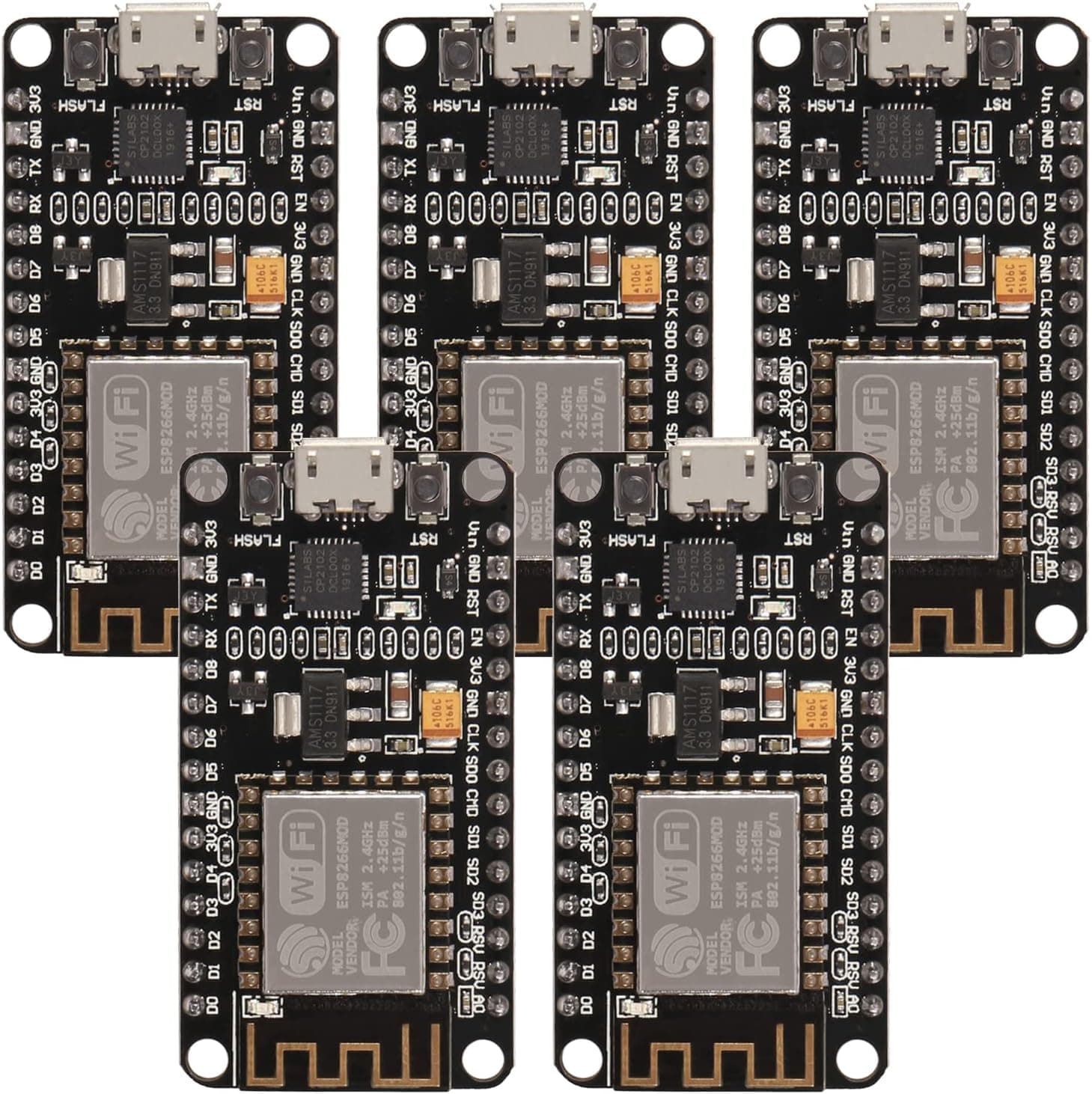
AITRIP 5 PCS ESP8266 NodeMCU V3 CP2102 ESP-12F 4M Bytes Internet of Things WiFi Development Board Serial Wireless Module for Arduino IDE Micropython
Built-in Micro-USB, with flash and reset switches, easy to program Full I/O port and Wireless 802.11 supported, direct download no need to reset The chip model: CP2102; There is the way to guide you to use the new version: The command you needed to use is: esptool.py --baud 115200 --port /dev/tty.SLAB_USBtoUART write_flash -fs 32m -ff 80m --flash_mode dio 0x00000 boot_v1.7.bin 0x1000 user1.bin 0x37c000 esp_init_data_default.bin 0x37e000 blank.bin The important part is “—flash mode dio” https://github.com/espressif/esptool/wiki/SPI-Flash-Modes; Instruction & Steps of How to use: 1. Download the Compatible with Compatible with Arduino IDE, the latest version. 2. Install the IDE 3. Set up your Compatible with Compatible with Arduino IDE as: Go to File->Preferences and copy the URL below to get the ESP board manager extensions: http://arduino.esp8266.com/stable/package_esp8266com_index.json Placing the http:// before the URL lets the Compatible with Compatible with Arduino IDE use it...otherwise it gives you a protocol error. 4. Go to Tools > Board > Board Manager> Type "esp8266" and download the Community esp8266 and install. 5. Set up your chip as: Tools -> Board -> NodeMCU 1.0 (ESP-12E Module) Tools -> Flash Size -> 4M (3M SPIFFS) Tools -> CPU Frequency -> 80 Mhz Tools -> Upload Speed -> 921600 Tools-->Port--> (whatever it is) 6. Download and run the 32 bit flasher exe at Github(Search for nodemcu/nodemcu-flasher/tree/master/ at Github) github.com/nodemcu/nodemcu-flasher/tree/master/Win32/Release Or download and run the 64 bit flasher exe at: github.com/nodemcu/nodemcu-flasher/tree/master/Win64/Release 7. In Compatible with Compatible with Arduino IDE, look for the old fashioned Blink program. Load, compile and upload. 8. Go to FILE> EXAMPLES> ESP8266> BLINK, it will start blinking. Package Including 5PCS * ESP8266 NodeMCU LUA CP2102 WiFi Wireless Development Board
- ASIN
- B09Y8PGMC7
- Embedding
- CLIP ViT-L/14 · 768d
- Distance metric
- cosine
- Doc fetch
- 2mscache hitGET /v2/namespaces/amazon-products/documents/B09Y8PGMC7
- Similar query
- 27msnearest_to_id → /query
Doc fetch goes through Layer's Aerospike pull-through cache; cache hit served the row without touching turbopuffer. The similar query asks Layer for nearest neighbors of the stored product vector — queries don't go through the doc cache, so no cache header is set.
You might also like