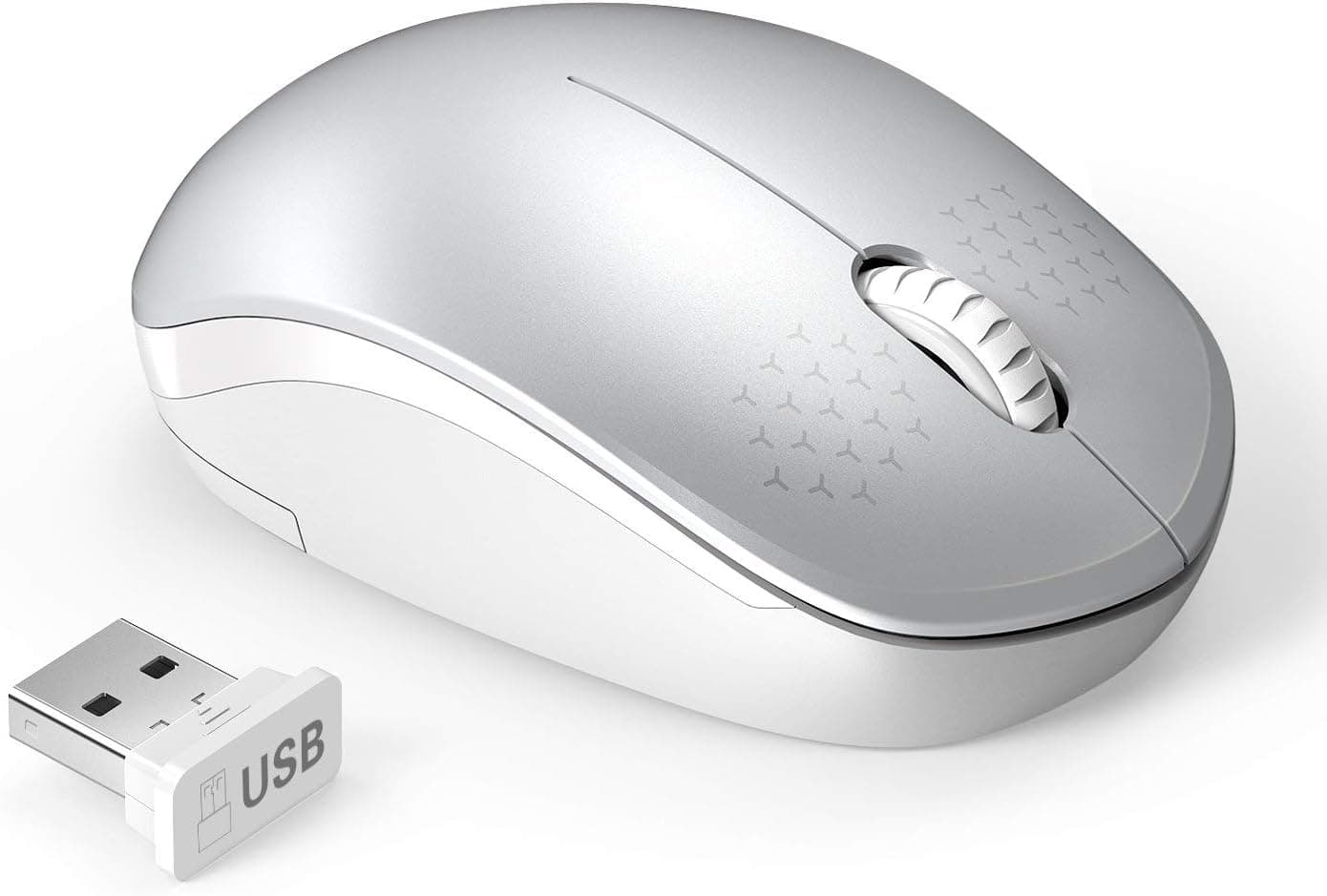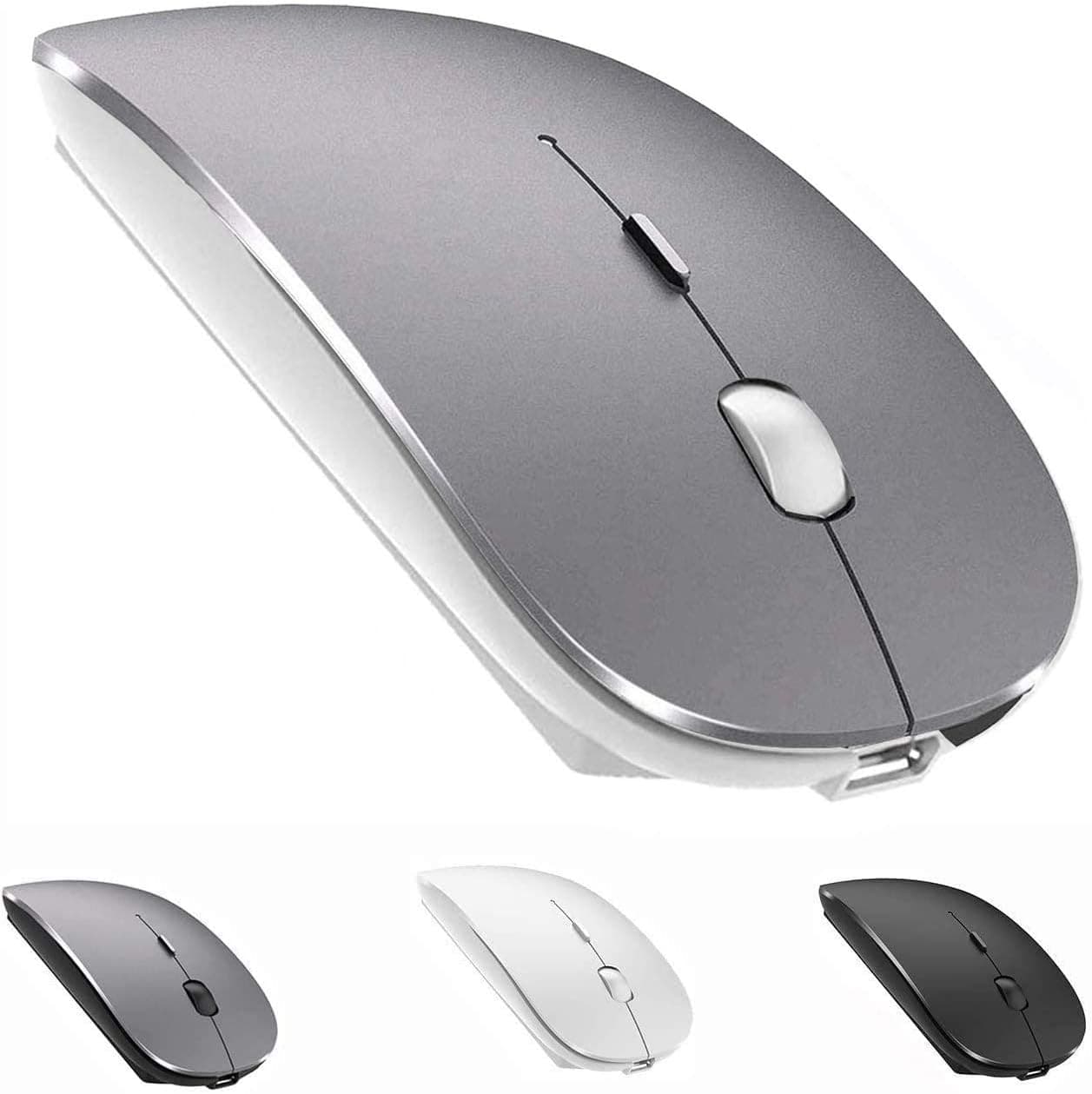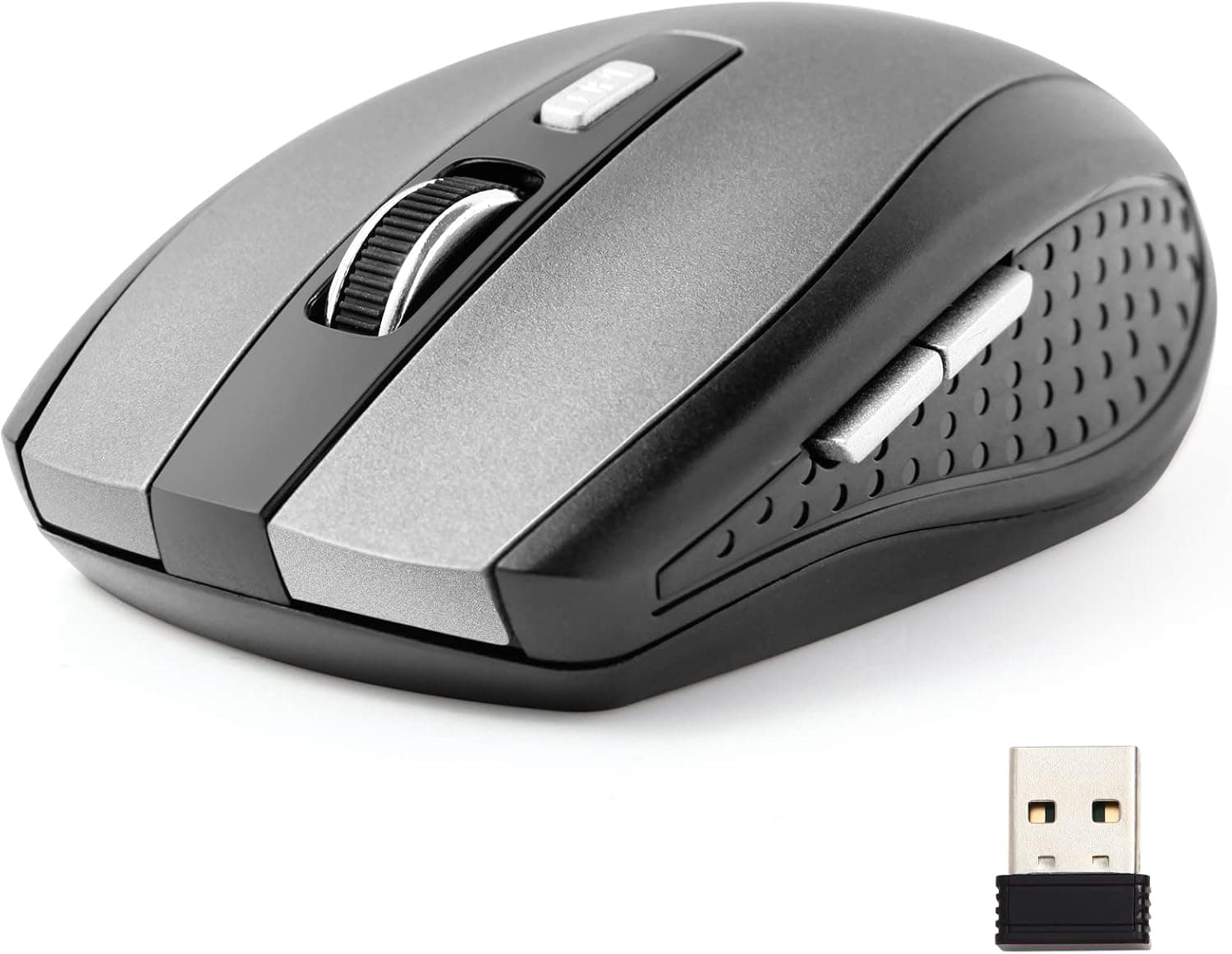
Wireless Mouse, 2.4Ghz Wireless Mouse Computer Mouse 1200DPI,6 Buttons with Nano Receiver for Laptop,PC,Chromebook,Computer,Notebook,Office (Grey)
How to connect: Step1:open the battery cover,then install the two AAA battery . Step2:Take out the USB dongle and close the battery cover . Step3:Plug the USB dongle in the USB port . Step4:Place your wireless mouse close to the dongle about 30CM,turn the power switch button to "ON", the led light will light up.Your mouse will connect with the dongle automatically and start working . Notice if the mouse doesn't work ,please place the mouse near to the dongle and press the connect button (underneath the mouse)and release ,it wll connect to work . Package details Wireless mouse x1 USB nano receiver x1
- ASIN
- B09YYZ3GG6
- Embedding
- CLIP ViT-L/14 · 768d
- Distance metric
- cosine
- Doc fetch
- 3mscache hitGET /v2/namespaces/amazon-products/documents/B09YYZ3GG6
- Similar query
- 44msnearest_to_id → /query
Doc fetch goes through Layer's Aerospike pull-through cache; cache hit served the row without touching turbopuffer. The similar query asks Layer for nearest neighbors of the stored product vector — queries don't go through the doc cache, so no cache header is set.
You might also like
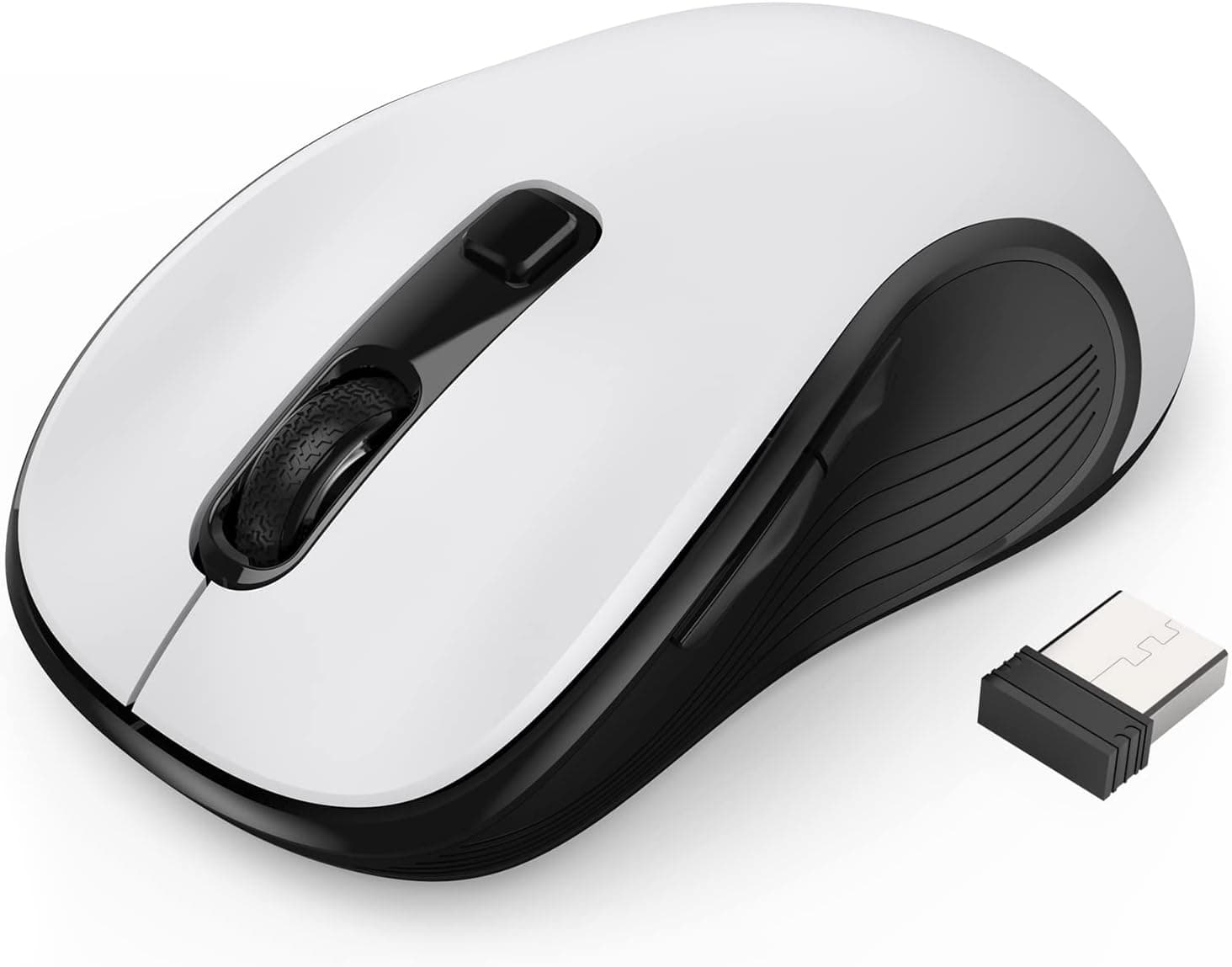
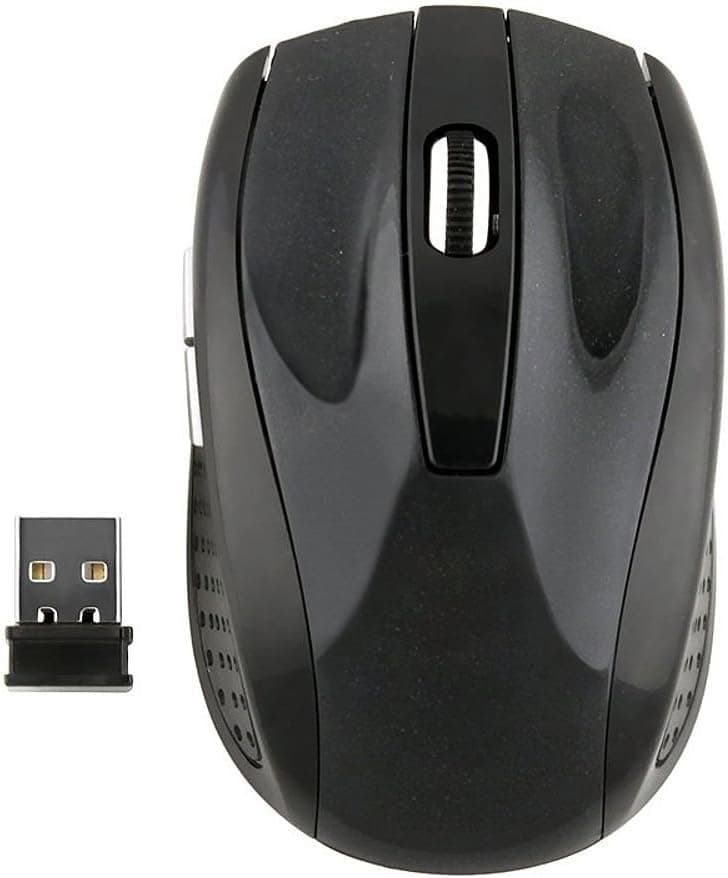
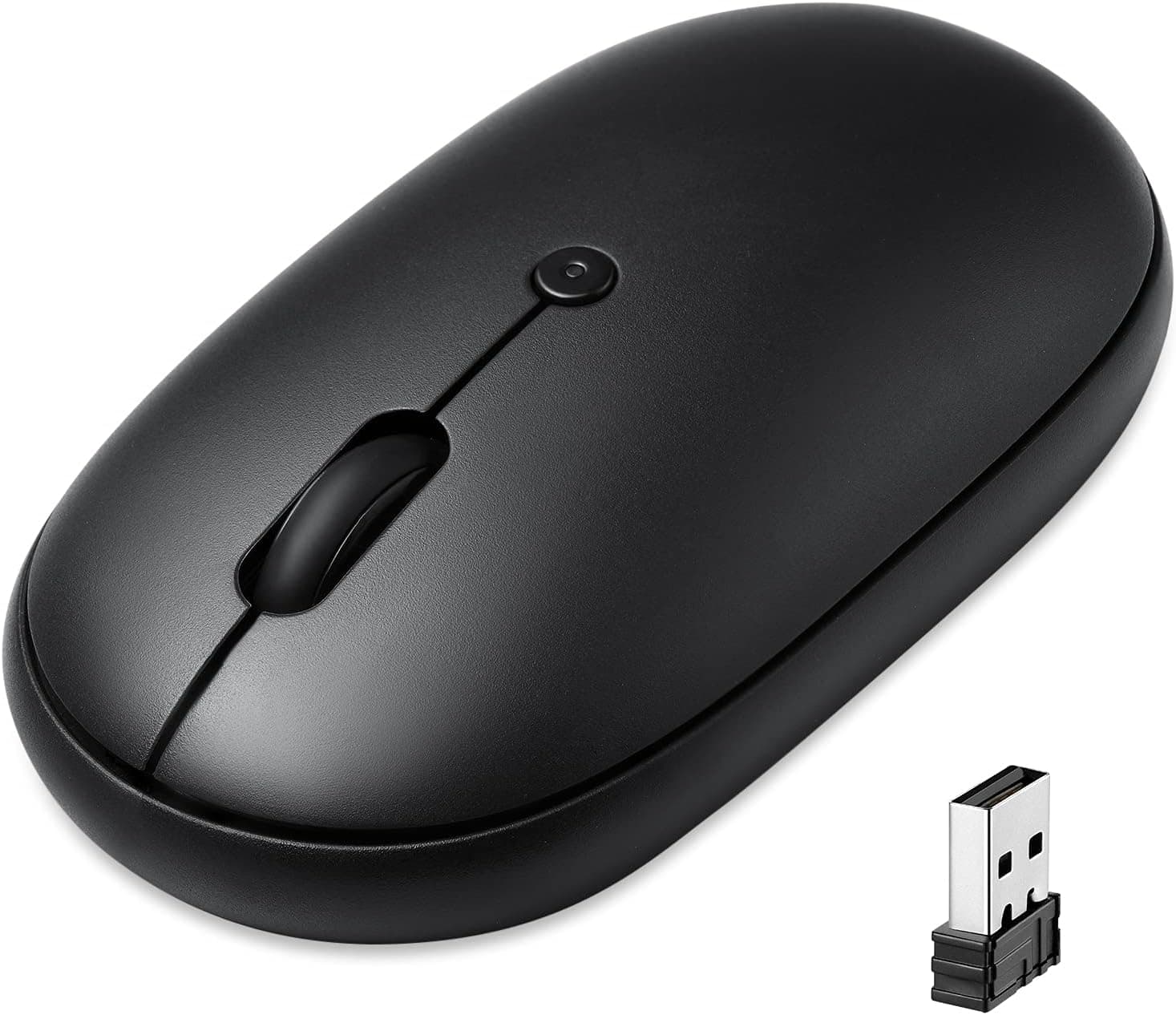
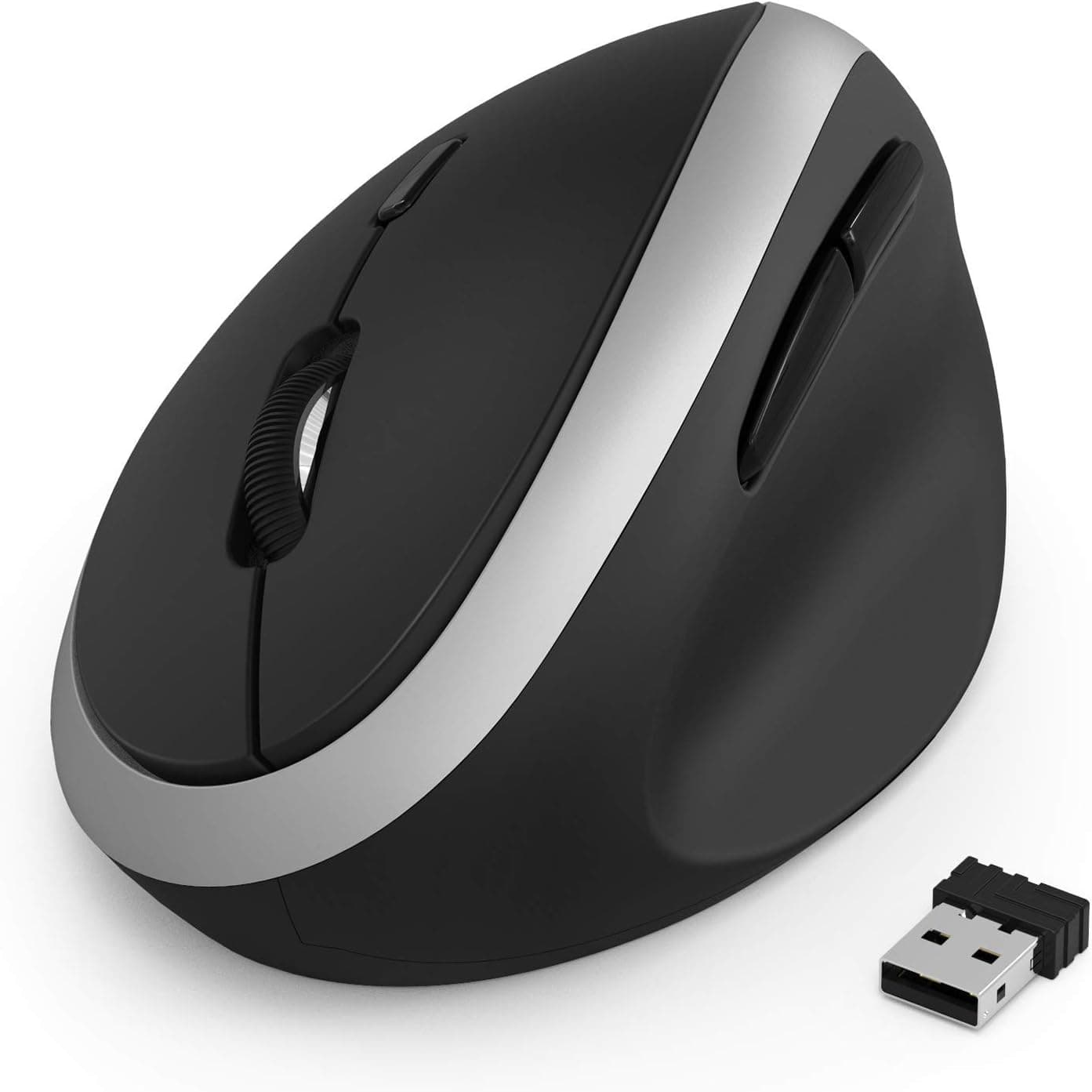
![Wireless Mouse, [Finger Fatigue Free] Ergonomic Computer Wireless Mouse, Cordless Optical Mouse with USB Nano Receiver for Laptop,PC,Notebook,6 Buttons,24 Months Battery Life, 5 Adjustment DPI Levels](/_next/image?url=%2Fapi%2Fblobs%2Famazon-products%2F0c9c167615db8cbcedd34cb8674c5767460f8878a06ec0bddeb2712d120a9a37&w=3840&q=75)