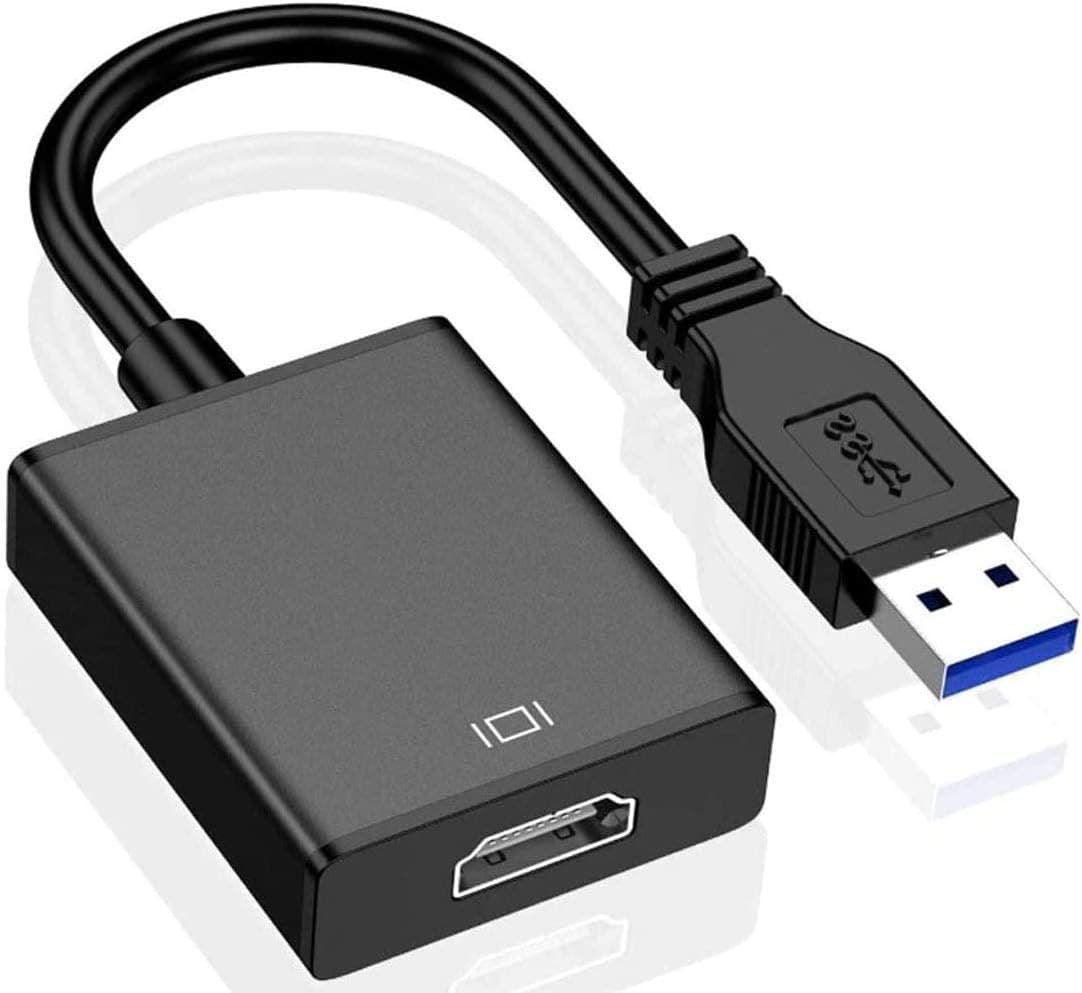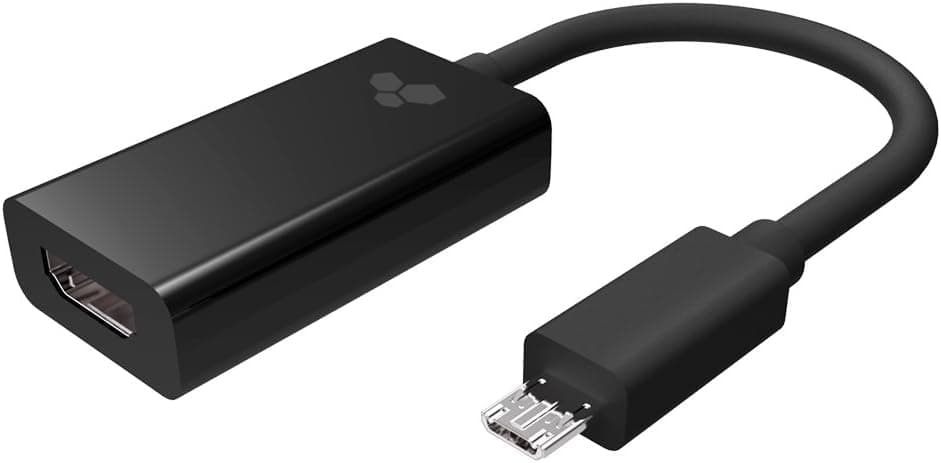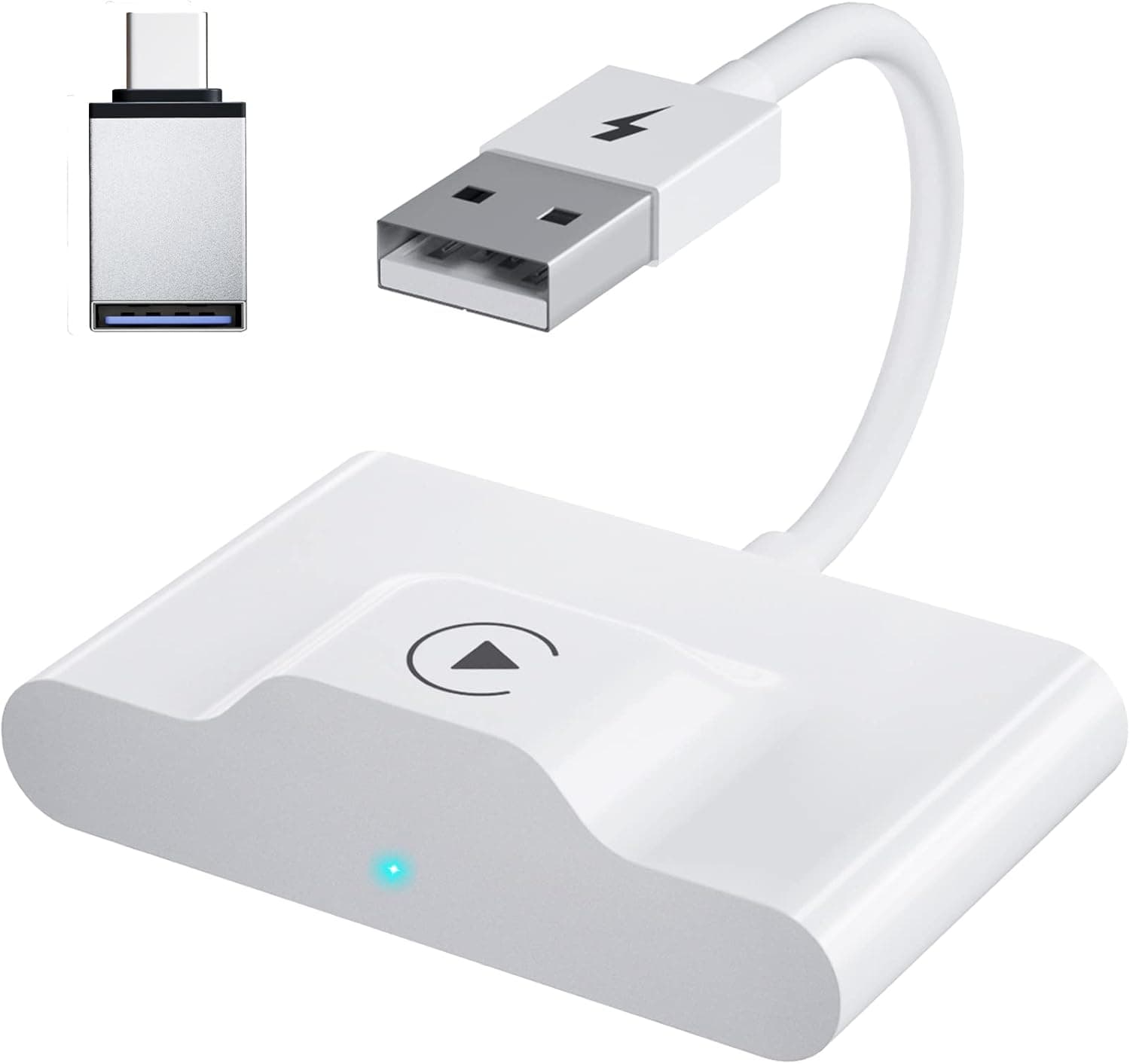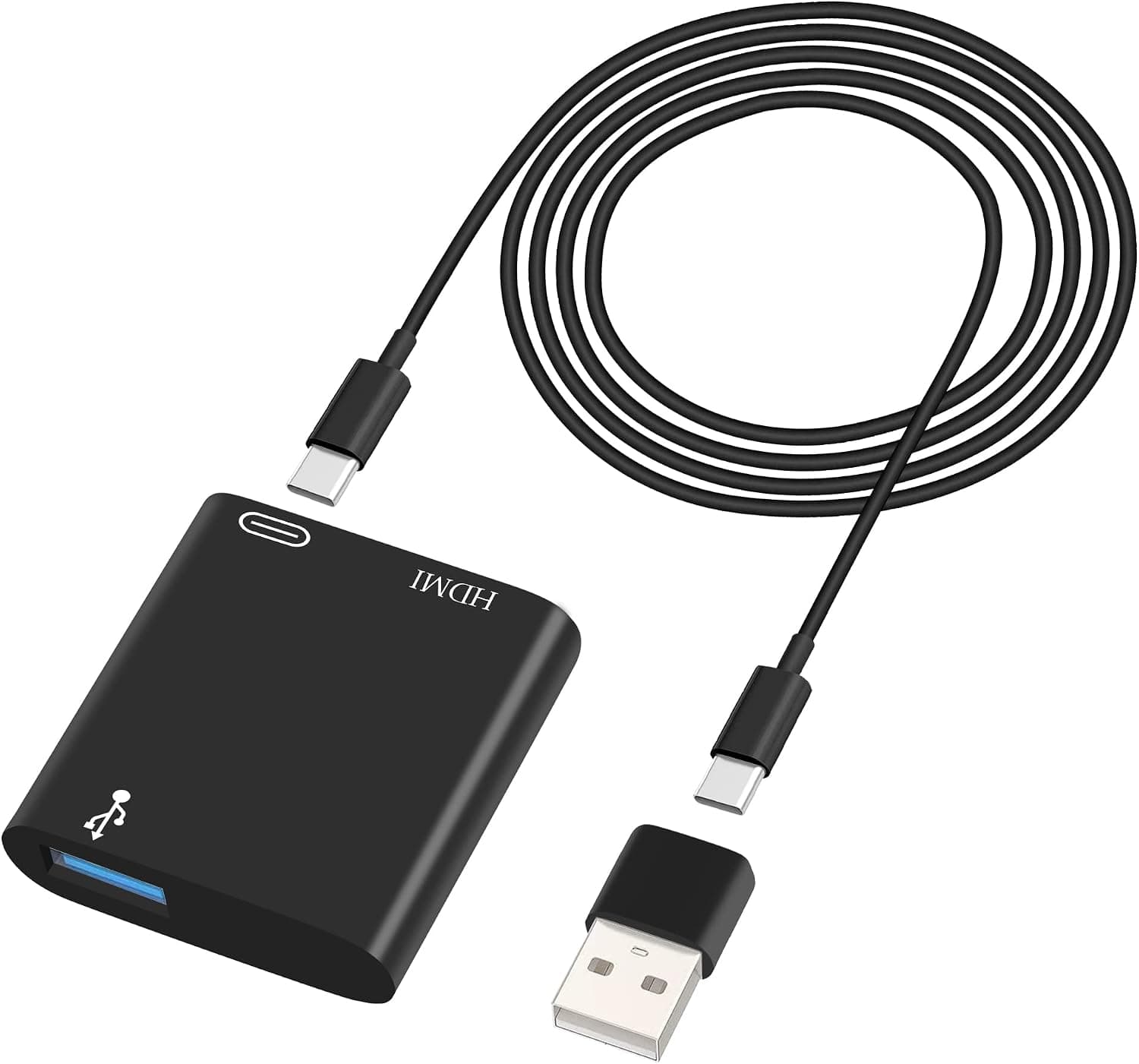
HIEbee USB C to HDMI Adapter, USB C Digital AV Adapter 1080P Video & Audio Sync Screen iPhone to hdmi Adapter with Charging Port to TV Projector Monitor only Support iOS System
USB to HDMI Adapter, HD Audio Video Adapter Converter for iPhone iPad iPod to HDTV, USB 3.0 to HDMI Connector for Multiple Monitors, Projectors, TVs with Charging Port Digital AV Sync Screen HDMI Adapter Operating Instructions Step 1. Link HDMI port to connect display device with HDMI interface such as monitor/TV/projector through HDMI cable(bring your own). Step 2. Link USB C charging port to wall charger adapter/power bank(pls use your own) with usb c to usb c cable which is provided. ★Type-C port is used to power the product so please make sure the charging port connect to the charging power supply, otherwise the item will not work. Step 3. Insert your iphone/ipad into the usb A port with your own lightning to usb cable or take the usb c to usb a converter which is provided if you use a usb c to usb c cable. When USB is connected to iPhone or iPad via USB or USB C Cable, you can use it at once.
- ASIN
- B0BKSWK41H
- Embedding
- CLIP ViT-L/14 · 768d
- Distance metric
- cosine
- Doc fetch
- 4mscache hitGET /v2/namespaces/amazon-products/documents/B0BKSWK41H
- Similar query
- 51msnearest_to_id → /query
Doc fetch goes through Layer's Aerospike pull-through cache; cache hit served the row without touching turbopuffer. The similar query asks Layer for nearest neighbors of the stored product vector — queries don't go through the doc cache, so no cache header is set.
You might also like
![Sabrent Ultra Slim USB 2.0 to 2.5-Inch SATA External Aluminum Hard Drive Enclosure [Black] (EC-UK25)](/_next/image?url=%2Fapi%2Fblobs%2Famazon-products%2Fab3b792642ea1715a783746166f4d684989770476c092c05d8535dd43bd188b8&w=3840&q=75)